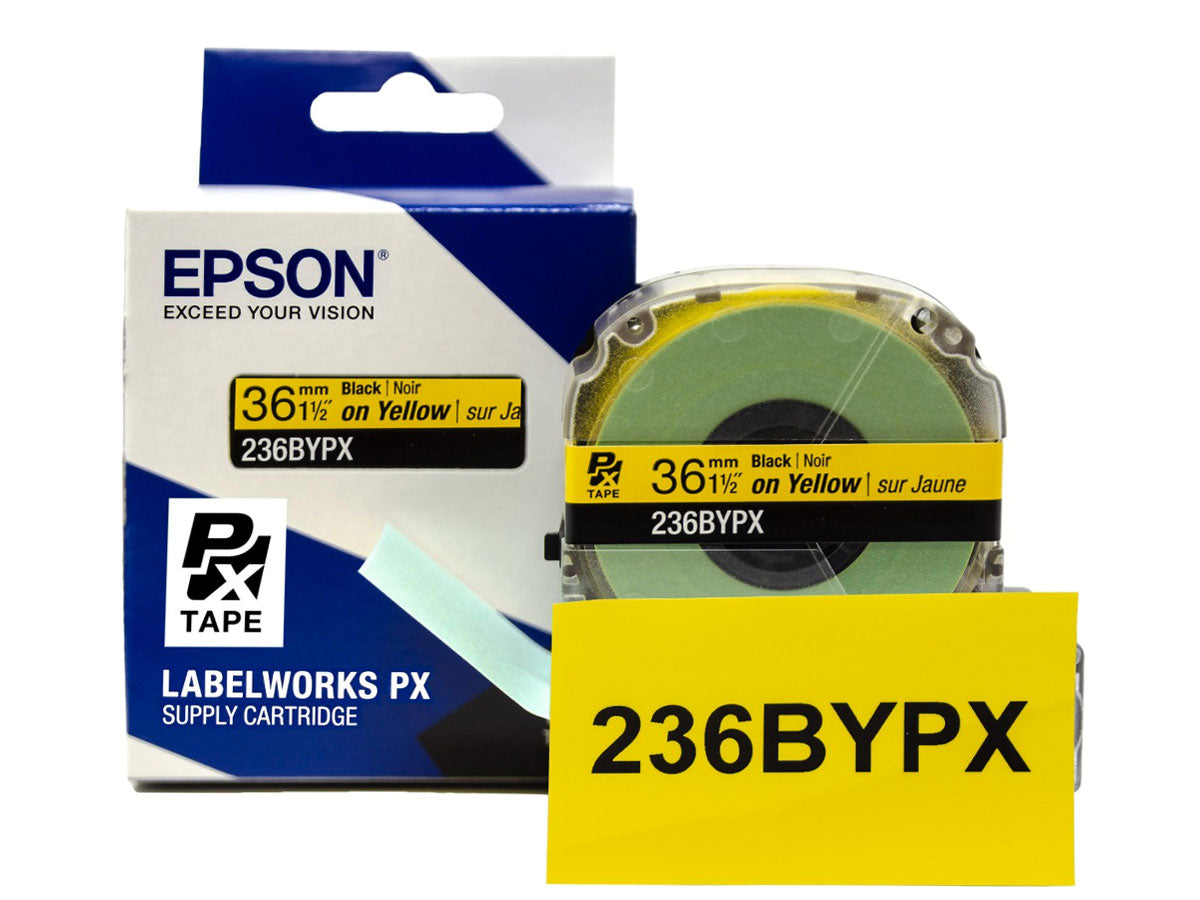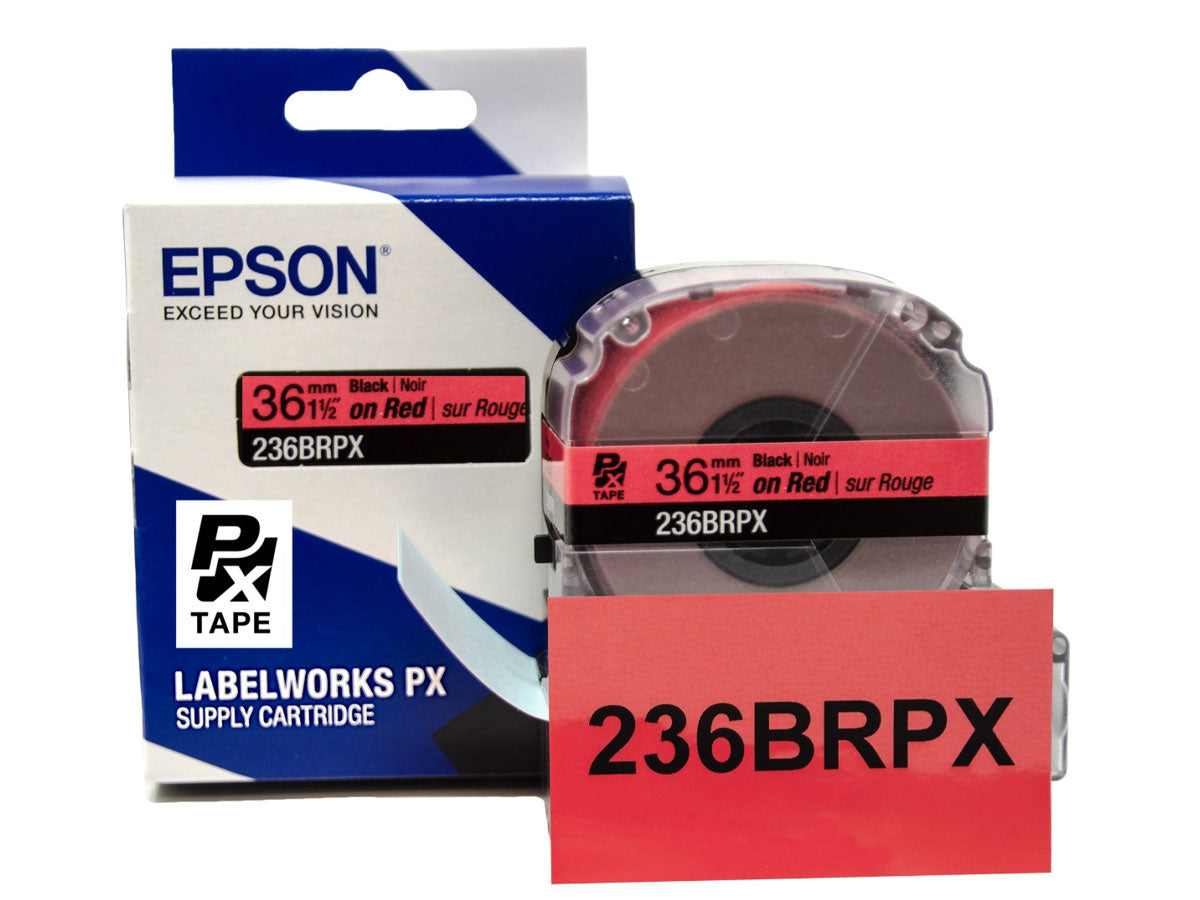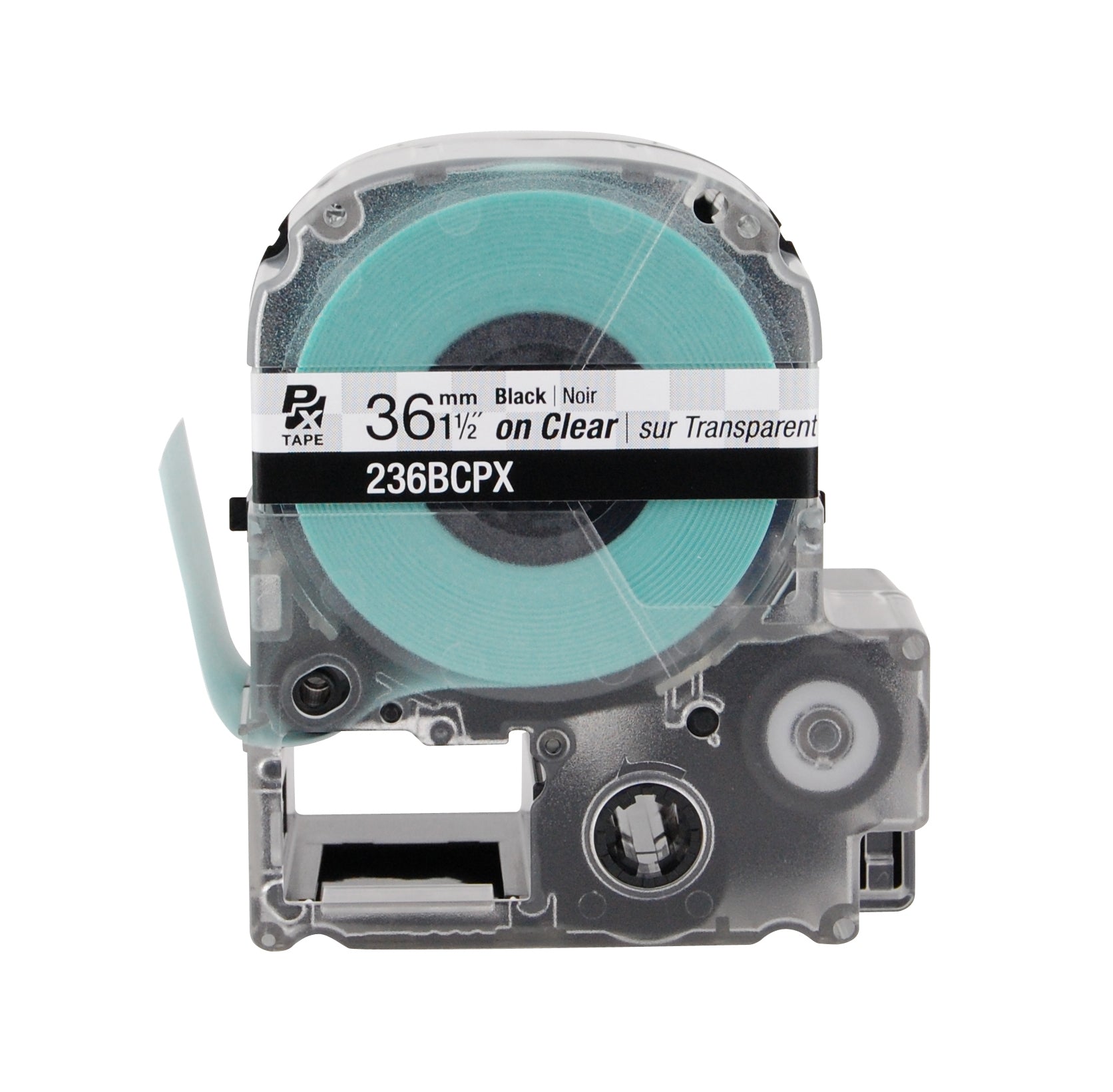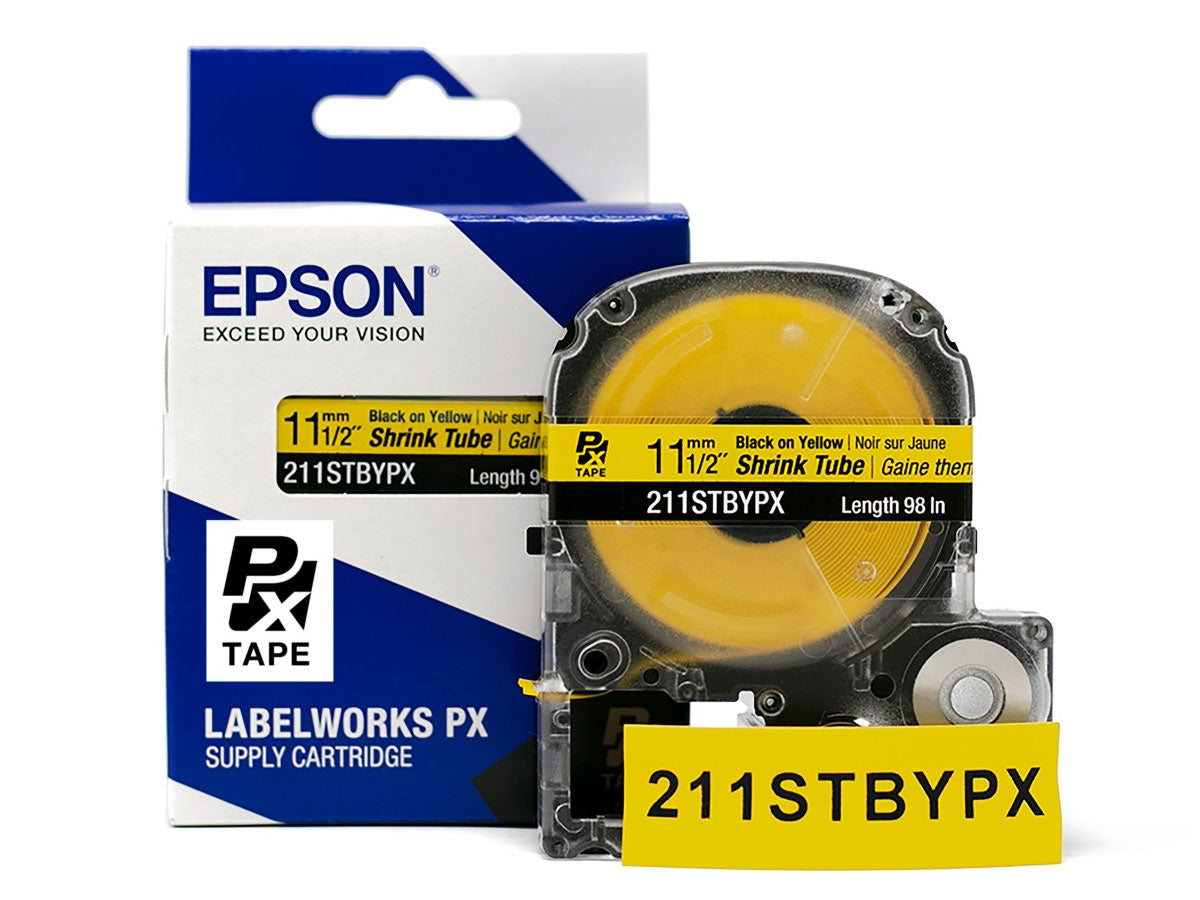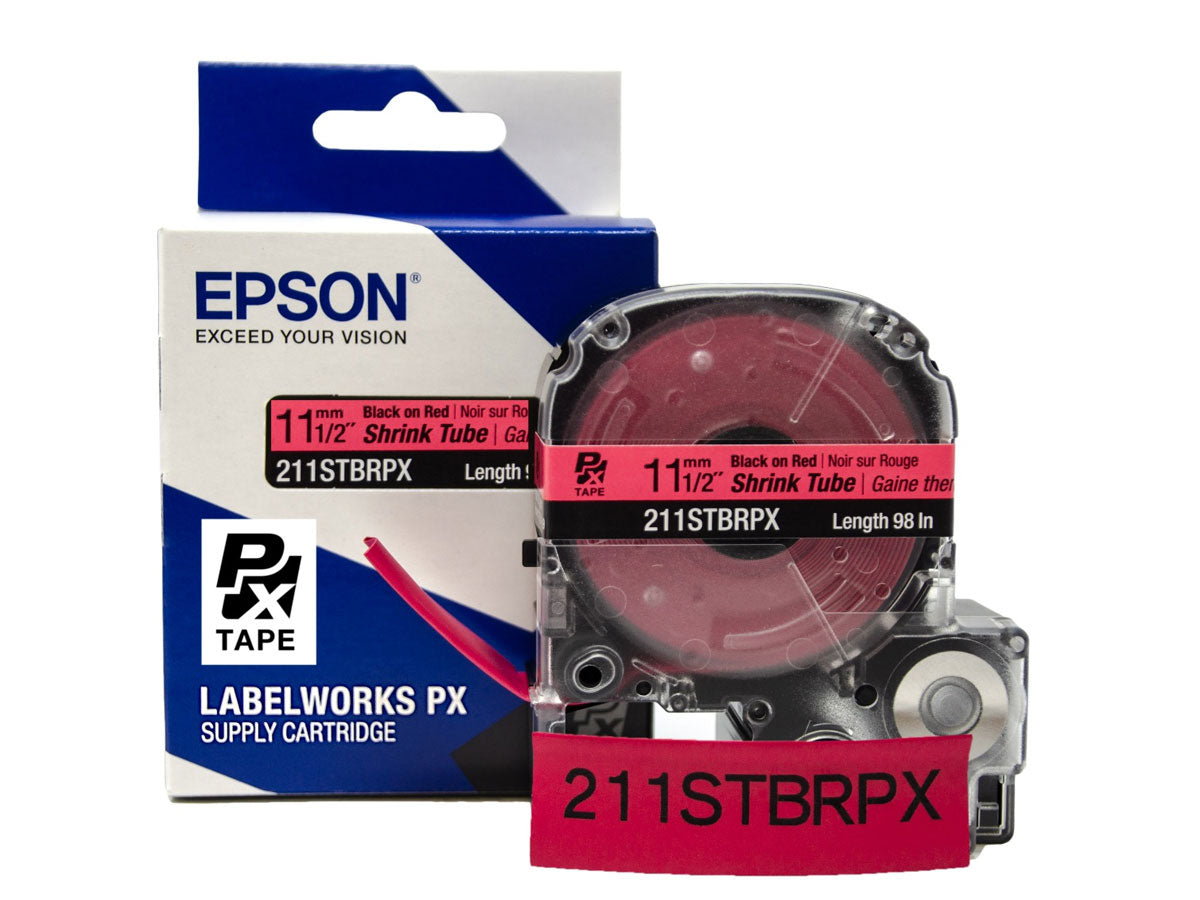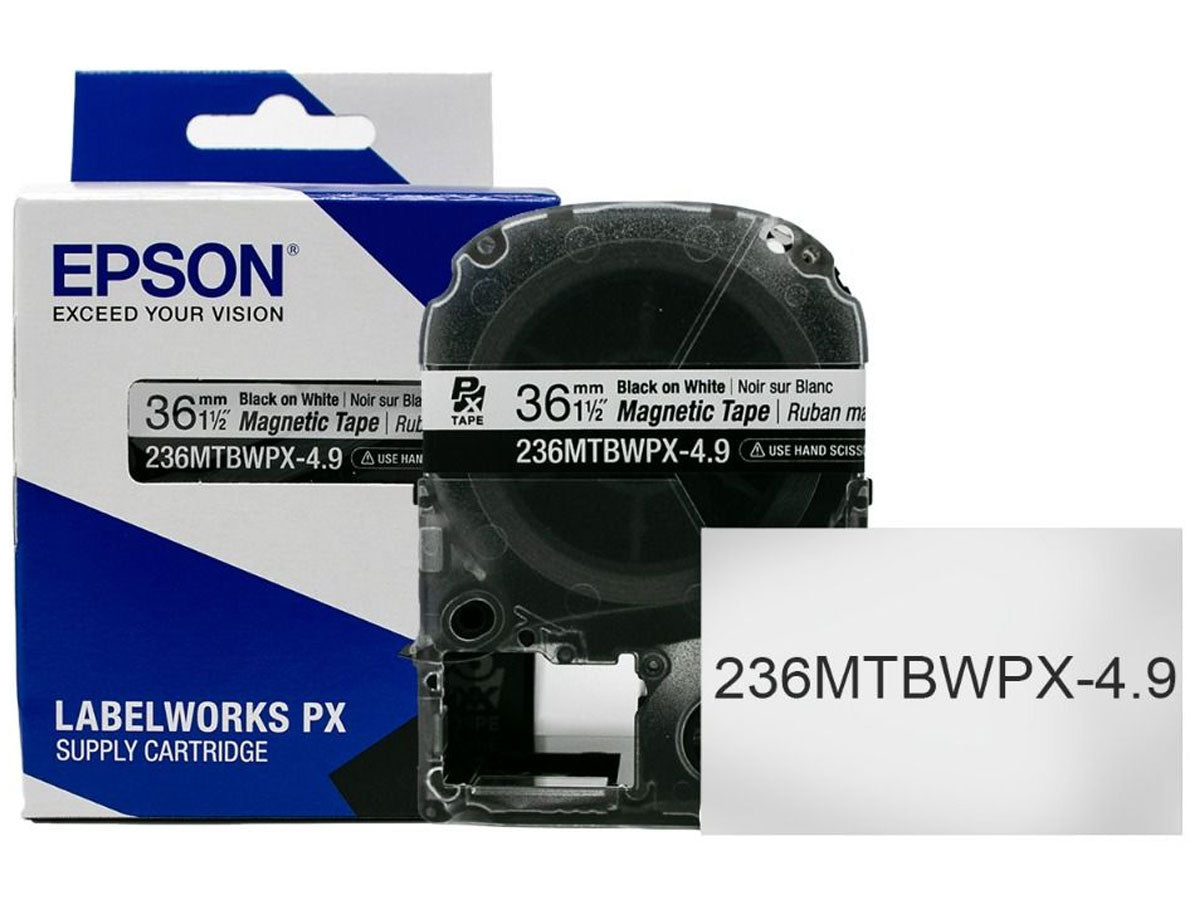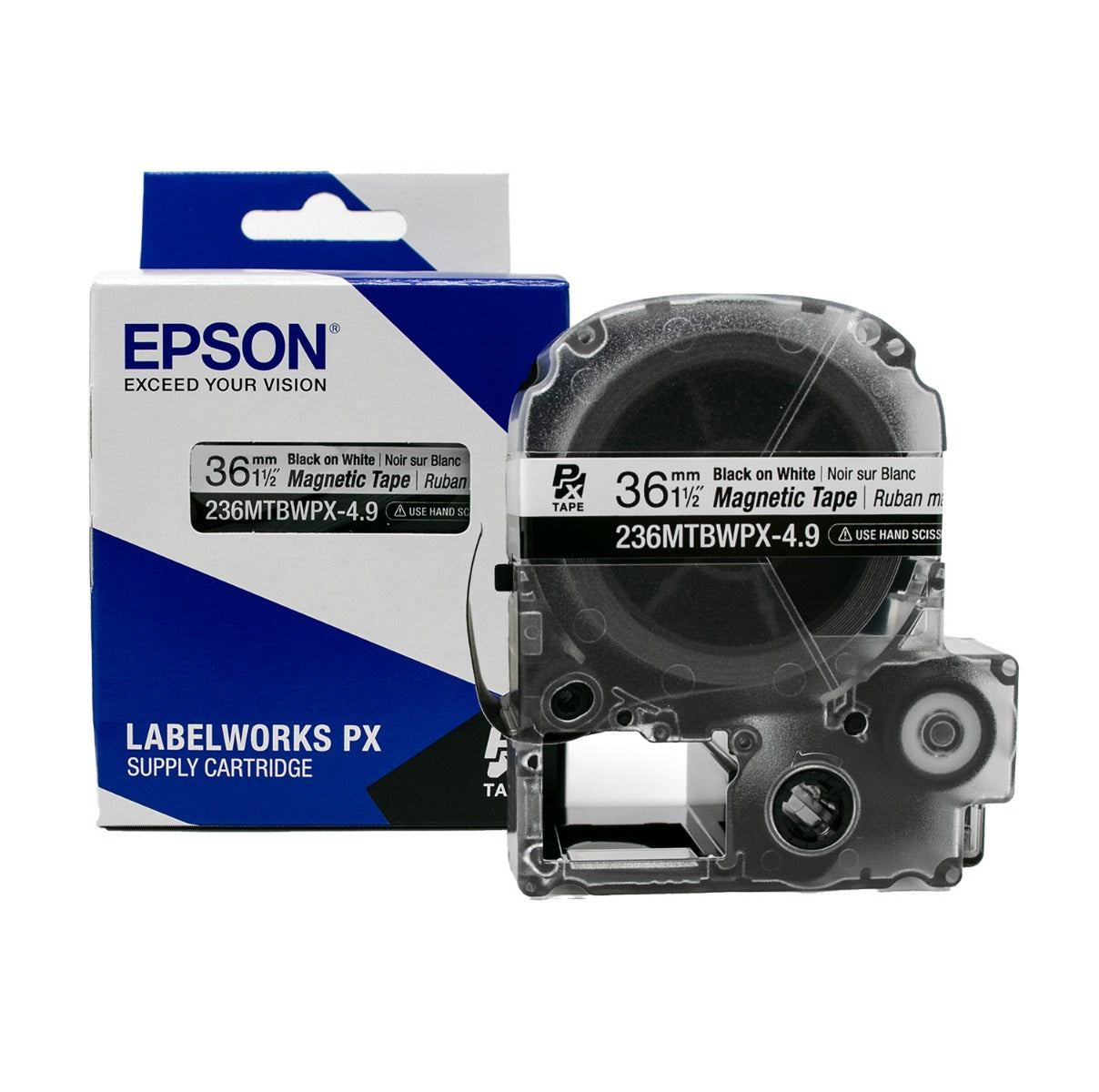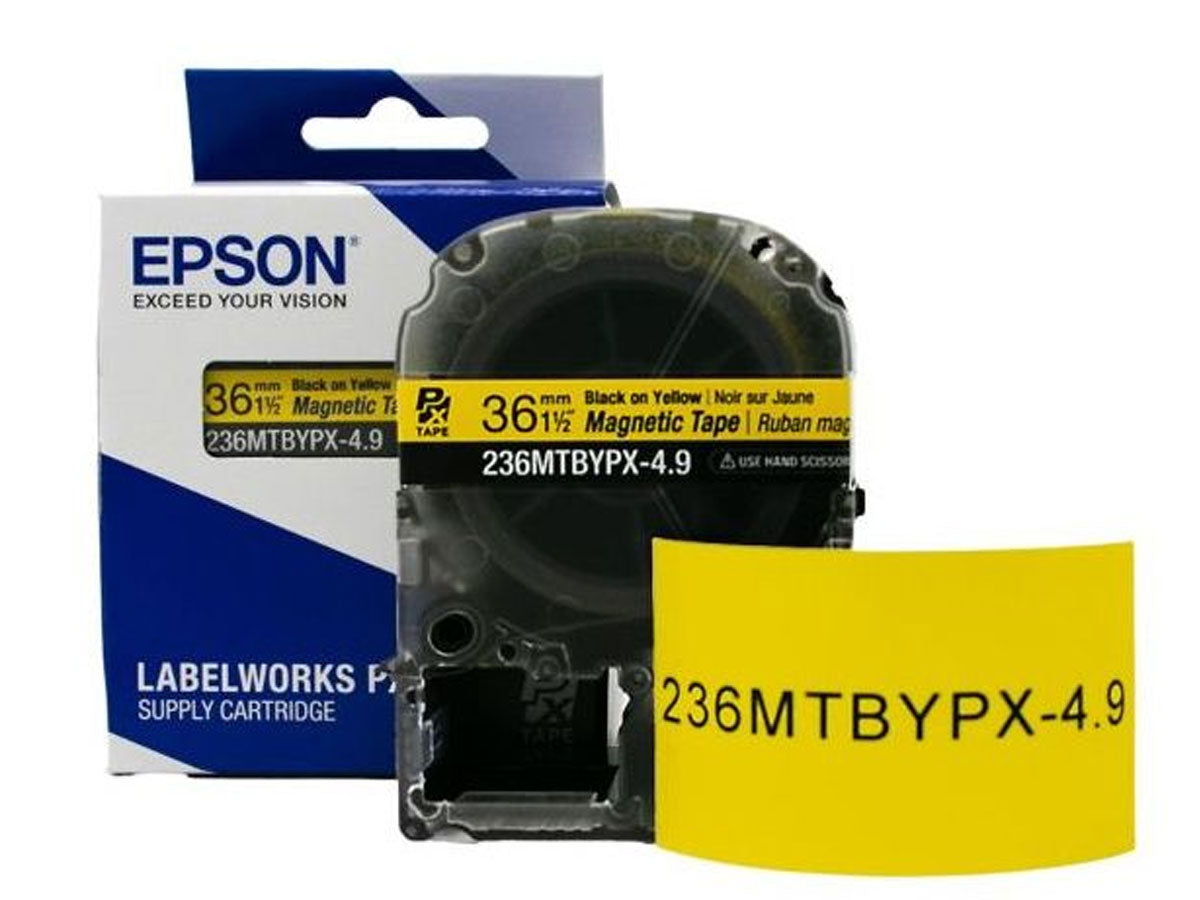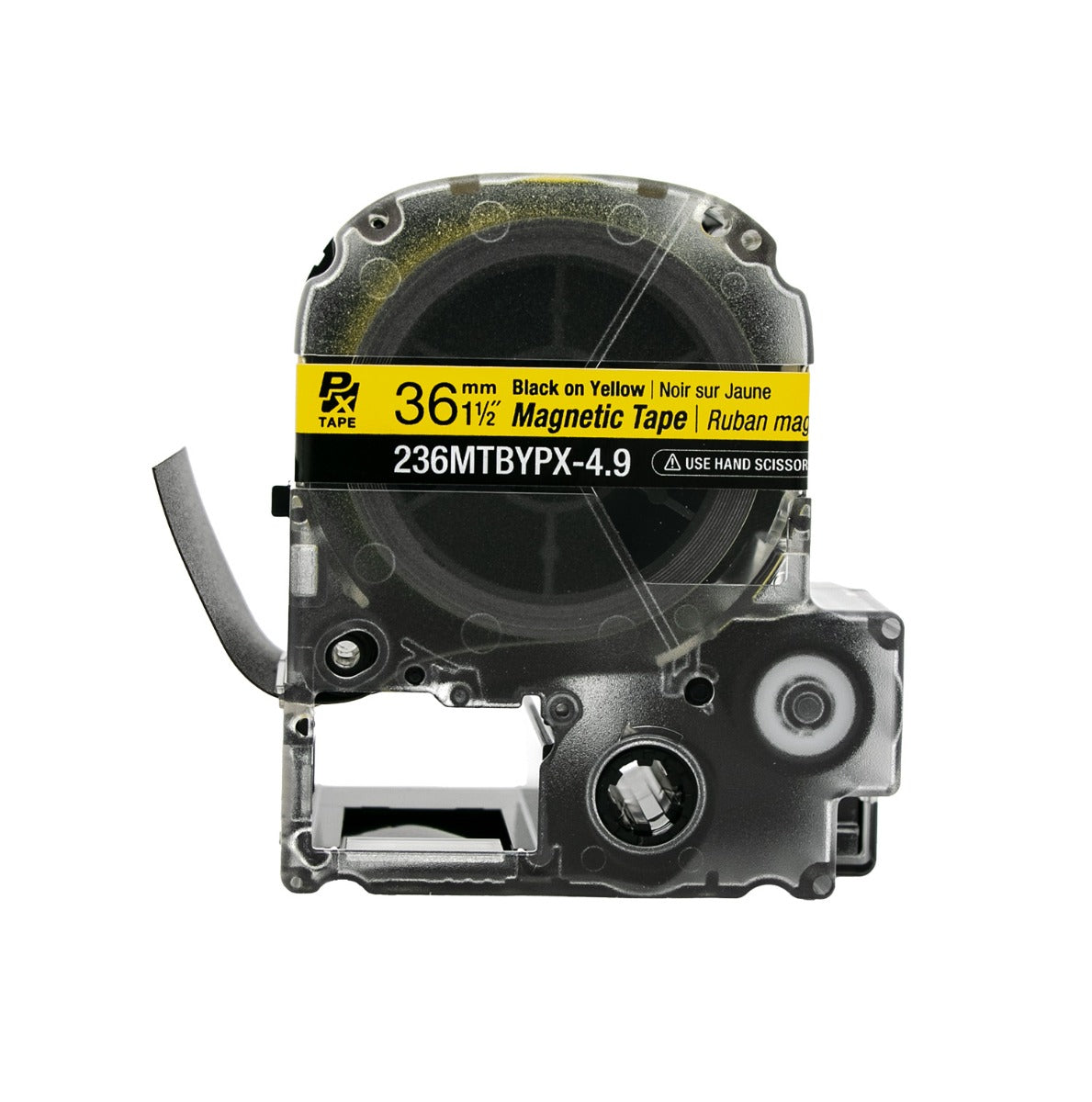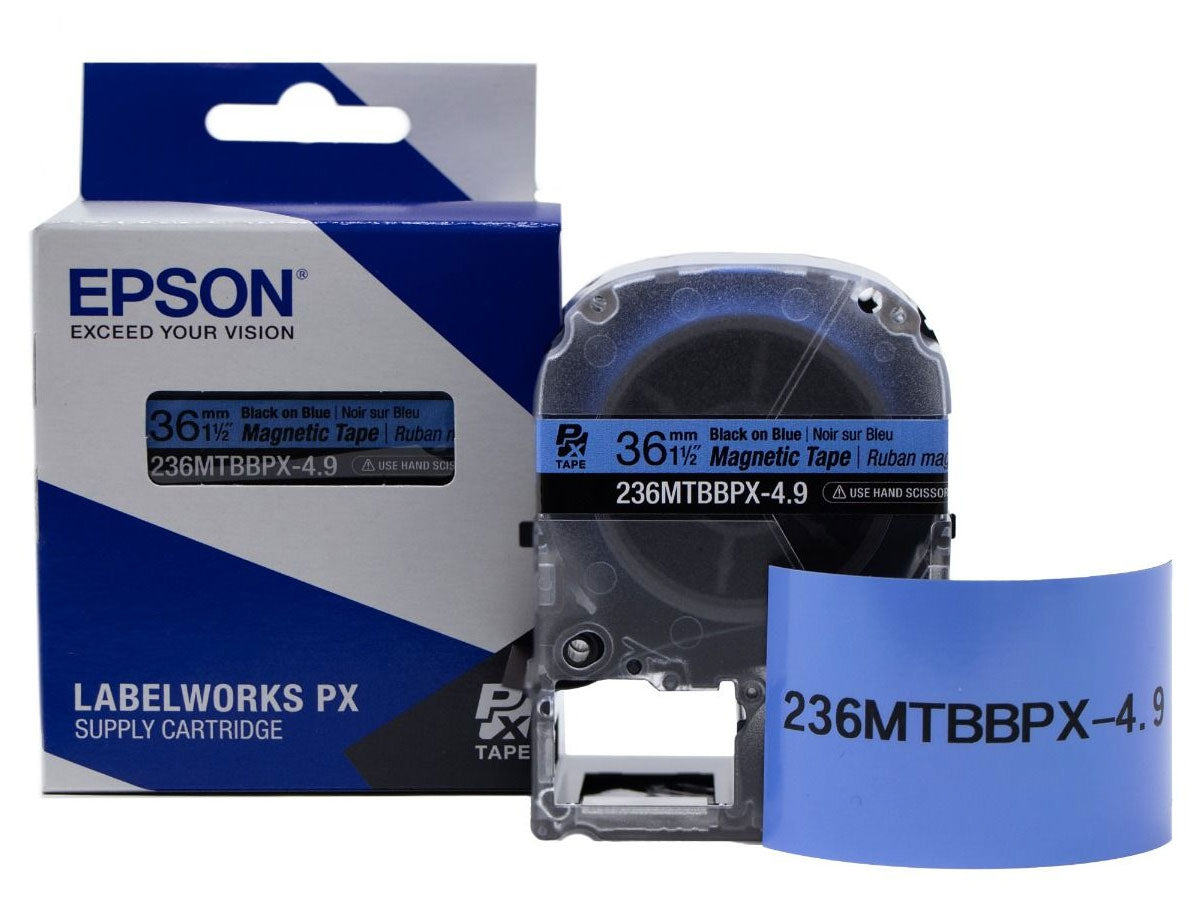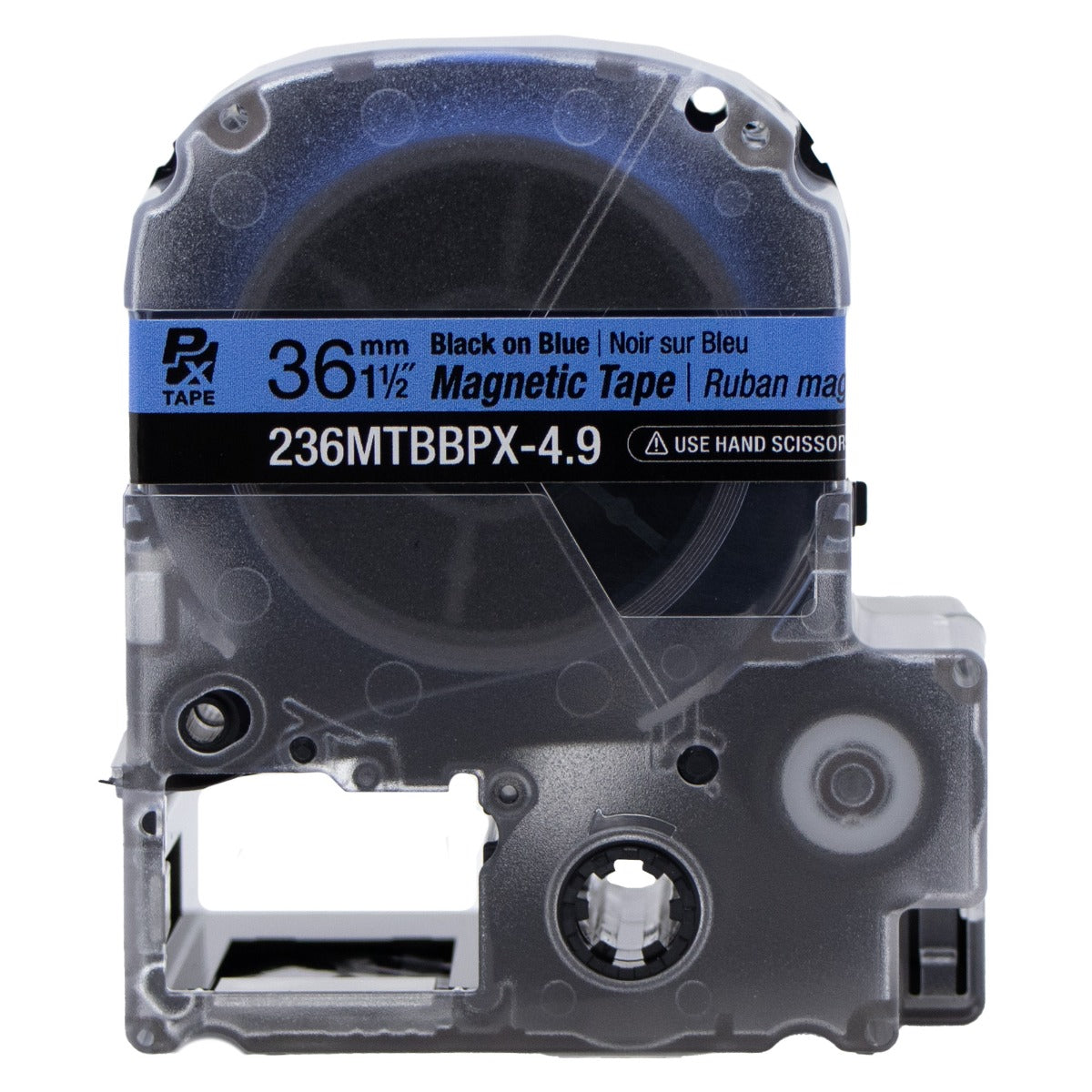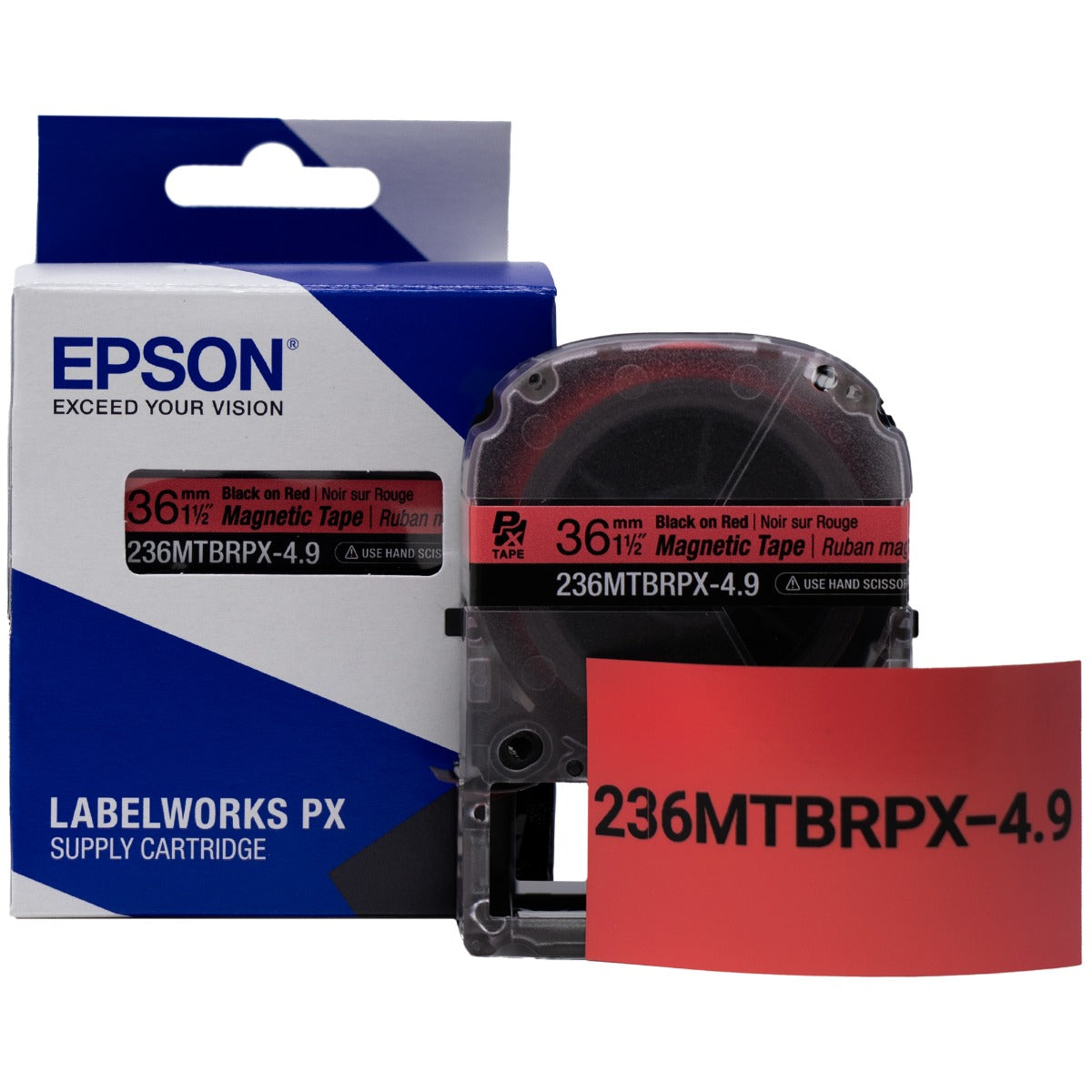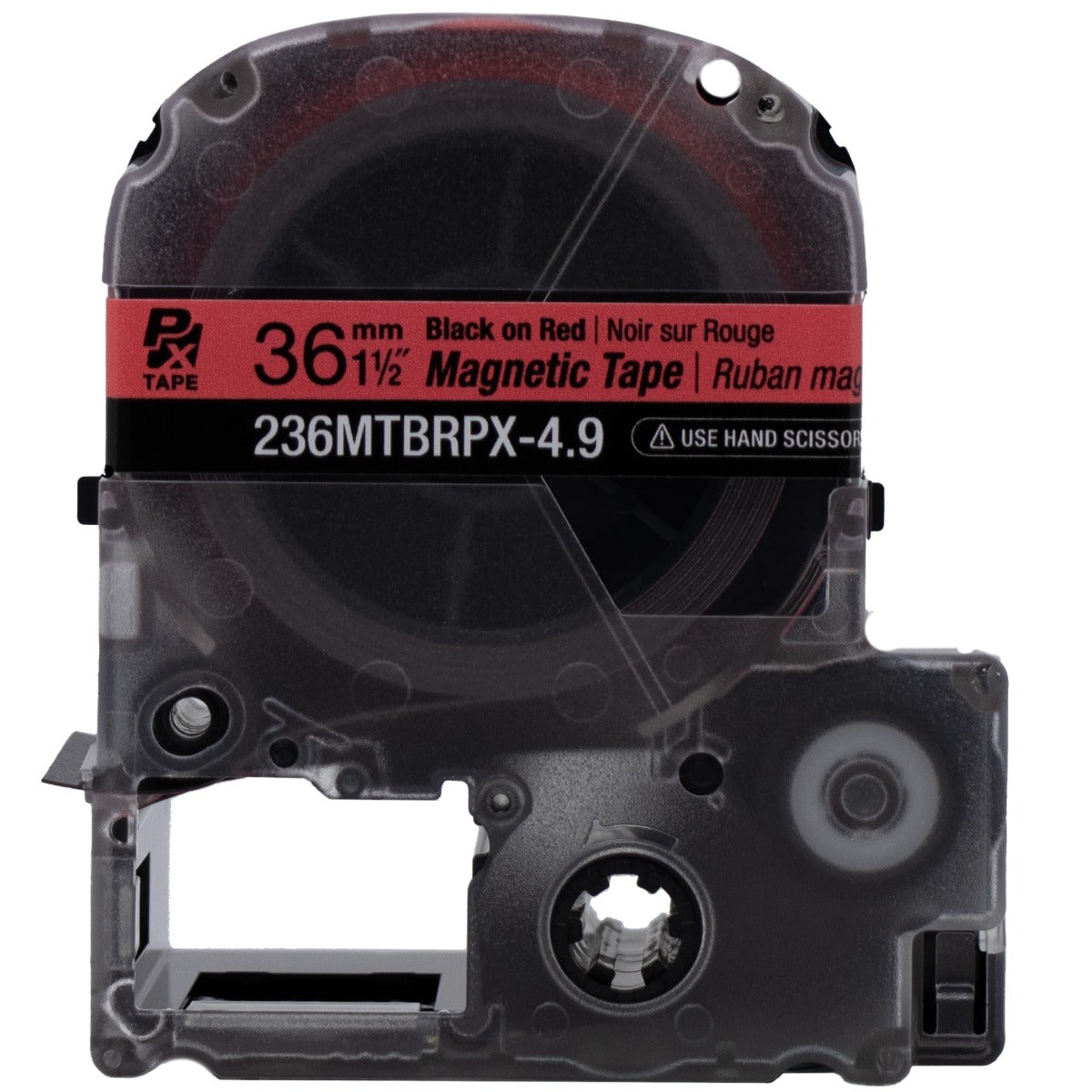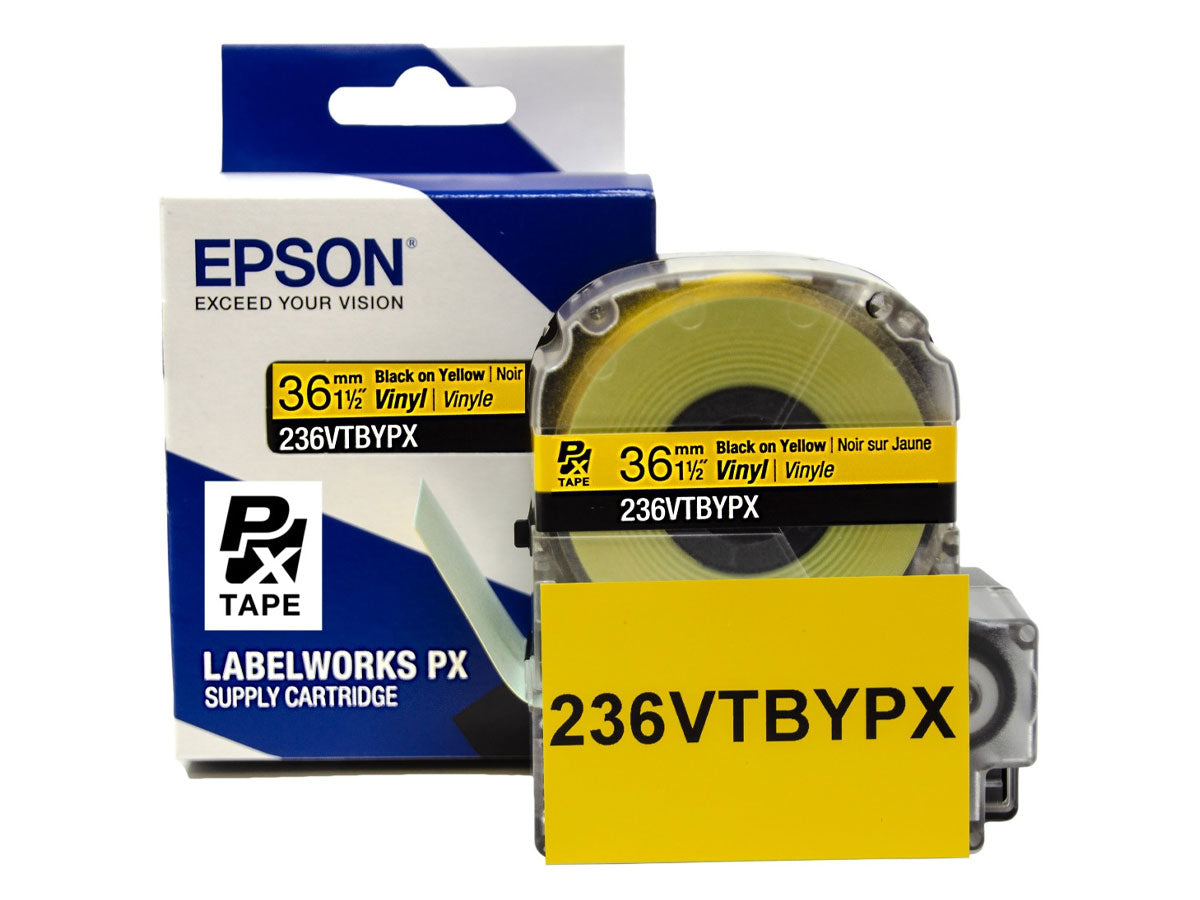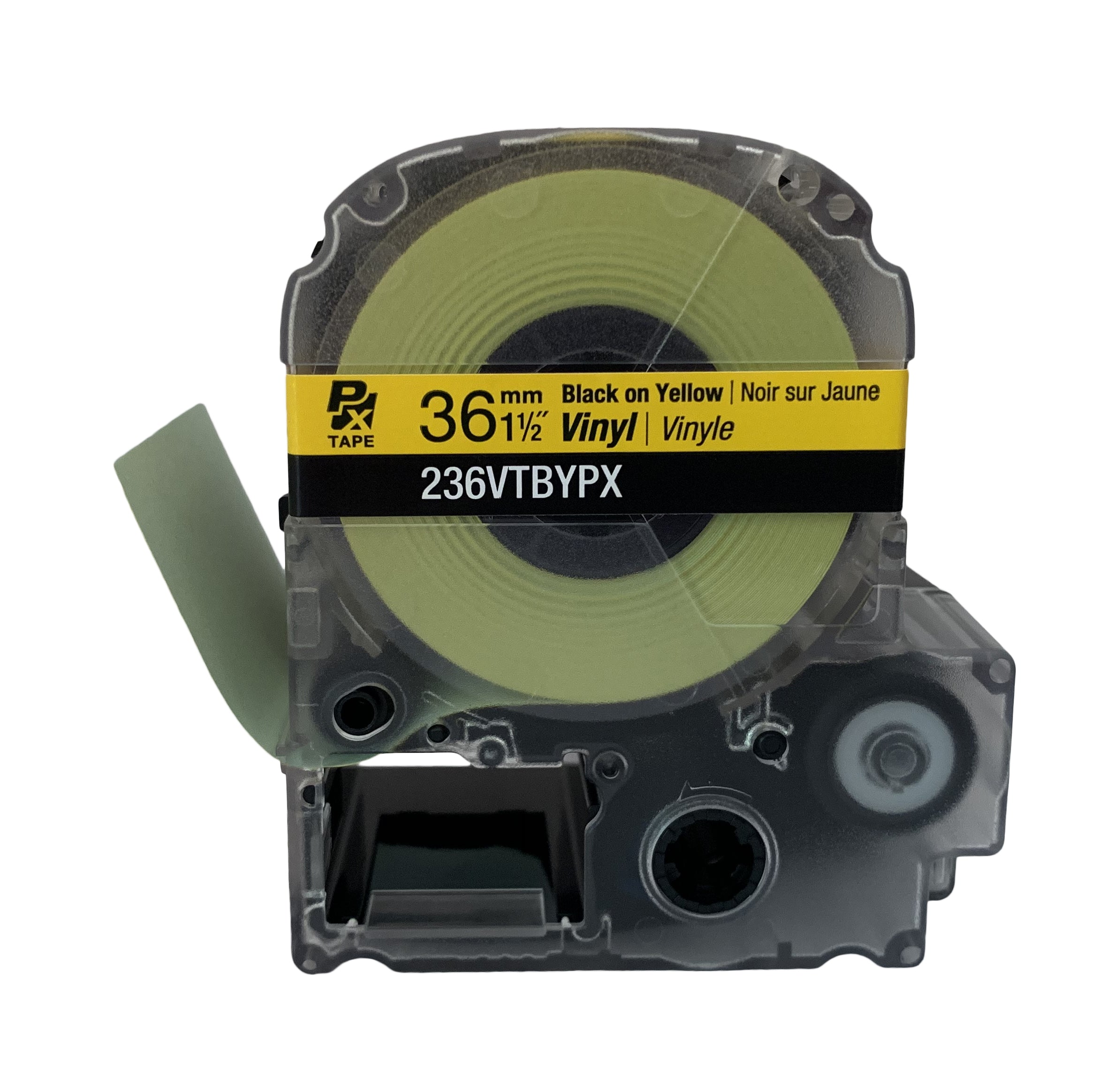
• Compatible with all LabelWorks PX tapes up to 1.5" wide
• Large LCD print preview screen with backlight
• Large variety of labels / multiple use printing
• Auto cartridge detection and auto rewind
• Mix length/cut-on-demand
NOTE: If shipping to Alaska, Hawaii, or Puerto Rico, this product may only be shipped via AIR
More Information
Manufacturer:
Epson
Brand:
LabelWorks PX
Specifications:
Printing Technology: Thermal Transfer Tape Width: 4-36mm Compatible Heat Shrink Supplies: 203 (3mm | 1/8"), 205 (5mm | 3/16"), 208 (8mm | 1/4"), 210 (10mm | 3/8"), 211 (12mm | 1/2"), 214 (14mm | 9/16"), 221 (21mm | 7/8") Resolution: 360 dpi Printer head width: 27.1 mm Max Print Speed: 35mm / sec (With AC Adapter) Store and Print Images: No storage, Print from PC Print Settings Repeat Printing: Yes Auto Increment: Yes Data Import: Yes Number Serialization: Up to 4 alpha-numeric characters Mirror Printing: Yes Vertical Printing: Yes Mix Length: Yes Margins: Minimum 4mm lead on standard industrial tapes. Specialty tape lead margin varies by supply Batch printing settings from 1 to 500mm Fixed Length: Auto / Custom Cable Wrap: Yes Flag: Yes QR Code: Yes Bar codes Via Handheld: 8 types Symbols: 892 industrial and professional symbols pre-loaded # of Fonts: 2 Hardware Cutter: Automatic with full-cut and half-cut function Detection: Cover Open, Battery Level, Tape Detection (Type and size), Tape End Drop-Stop & Pick-and-Print: Prints, cuts and holds tape until it is pulled from printer before printing the next label in the batch automatically LCD: 140 x 80 dot back-lit monochrome LCD, 16 character, 4 line Internal Memory: Up to 100 files Connectivity Interface: USB Software Download: Epson Label Editor: Windows 7, 8, 8.1, 10, 11 *Not compatible with ARM Processors Other Information AC Adapter: Yes Battery: 6AA (Not Included), Lithium-Ion Battery
Hardware:
Reviews
Customer Reviews
Overall rating: 4.8 / 5 from 41 reviews.
If I don't leave this review, it will be an injustice. One of the best label maker out there. Customer service is beyond words that can describe. Friendly staff, calling an 800 number & you speak to a person, not computer. My co-workers were really impressed. This label maker put other brands to shame. Excellent shipping. Thank you for a great service. I'll recommend Epson Labelworks to my family, friends & others who looking for a sturdy, good label maker.
The LW-PX900 printer is an excellent product. My company has at least three of these already and I'm ordering a fourth today.
The printer is robust and handles industrial use very well. There's a huge variety of label sizes and types; shrink tube, magnetic tape, and self-covering labels are so nice to use! Easy label formatting on the device, quick changeability of the label cartridges, minimal margins and tape waste... I could go on.
Thank you Epson!
Very good label printer for the price, supplies are noticeably less expensive than Brady, and have a wider variety.
My only complaint is that the two built-in fonts have the 6 and 9 as 'ambigrams.' If making wire labels, the label for wire 6 looks like the label for wire 9 if held the wrong way, wire 90 could be mistaken for wire 06 in the field, and so on.
It would be nice if, like on the Brady printers, the 9 had a straight tail so it could be differentiated from an inverted 6.
Excelente producto, llegó sin contratiempos y con todo lo especificado, muy funcional para cableado estructurado, precio alto, pero vale la pena el kit.
I had a similar brother printer. The brother has wifi connectivity, which is something this one lacks, but this printer has a better resolution, better software, more functionality onboard, and the loading is much faster. Tapes swap by lifting up the screen to reveal a compartment on the front of the labelmaker. The brother requires you to remove the back plate, which takes a little more time and effort. This one also has magnets to attach it to panels, which the brother didnt.
Epson makes the best label printers - they really do. Very high quality output, very fast.
A few things that really bother me:
1. the only way to get images (your company logos etc) uploaded to the printer is using their (awful) Windows software. It really is terrible software. It doesn't even seem to work in a VM. I never even got even their neutered iPhone or Android software to work at all. Worse, you can only upload a few images. (I can't remember, since I have both the Z5010 and this one, but I think this one only holds TWO square images and two rectangular images. This is ridiculous.)
2. It doesn't support any CUPS printer drivers for Linux or Mac - not even 'driverless' or 'IPP'. It's just invisible on the network and even via USB. Totally useless in that respect.
3. There are a limited number of different types of labels for wiring labels (self-laminating over-wrap kinds of labels) - basically just black on white text.
4. There are a TON of other colors and sizes for regular labels available (which is honestly REALLY great!) The only downside is that their white-on-color (like white-on-red, perfect for firewalls or critical network gear) is really more like gray-on-red. It's low contrast and looks pretty bad, even compared to our Brady, which is like half the resolution and twice as expensive for labels.
5. The screen is awful too, like an 80's video game. Blocky, washed out. (Plenty bright enough though). The Z5010, by contrast, has a gorgeous full-color touch screen.
6. You really can't print over the network very easily (if at all). I'm a network engineer and I struggled to connect to it, and I never had any luck at all. (Oh, and you can't even connect it to your wifi network; you have to connect to its own ad hoc network, which means you have to disconnect from everything else; you might as well just run the USB cable). It's really just designed to be a standalone printer or sit in one place.
Which brings me to the good stuff:
1. Labels, even Epson labels, are REALLY cheap and really high quality. I really love that. There are even really nice ones in tons of unusual colors, fabric ribbons (the gold-on-red is awesome for wrapping Christmas presents), etc.
2. You can even use generics, but I haven't had any luck at all -- they seem to work but then get stuck in the printer and the ink ribbon part gets tangled up. Also, a lot of the labels need a sharpie to color in the blocks on the bottom of the label, at least on the (full color screen) Z5010, which will actually change colors to match the color of the labels being used!
3. Buy the one with the case if you can - it's a really great case and holds the printer (which is VERY durable though) safely and with the magnets installed. The magnets are also fantastic- literally it'll hold the large, heavy printer vertically when the magnets are just stuck on the chrome metal bar of a Harbor Freight cart - not even a solid metal surface. We've even stuck it onto the grill metal vertically on a datacenter cabinet. Really worth those magnets.
4. Their customer service is AWESOME. Seriously. Like, call them and talk to a sweet person in the Midwest in seconds. This alone is worth the price of admission! (Also they have great youtube videos.)
Overall, if I only had one to buy, I'd DEFINITELY get the top-of-the-line Z5010PX, which is even fairly portable (not quite as portable as the PX900, but I still prefer it.) Keep in mind that the Z5010PX and this printer are (I think) the only ones that are high resolution which really does make for great-looking labels; the smaller/cheaper version of this one is only 180dpi. Does it matter? nah, but the labels really do look way better.
Whatever one you get, snag one of their cheapest little labelers for $40 at the same time! Very handy to throw a 1/2" tape in and just use it anywhere as well.
I'd really prefer to deduct a half-star for all the negatives, but Amazon won't let me choose 4.5 stars and I don't want to dock an entire star, because not only am I keeping the printer but investing MORE in the Epson labelworks ecosystem (Sorry, Brady, but you're over-priced and under-delivering!), but these things bugged me SO SO much; for the first few days, I was so frustrated that I seriously considered returning all of them and probably would have only rated them as one or two stars. Now that I've gotten a couple of company logos onto the printer, it's pretty cool, but still..
Honestly, if Epson would port their label software to other platforms, use proper printer drivers, (Epson does have great Linux support for their printers - why not here?), and allow you to upload more than a couple stingy logos, they'd have a nearly perfect printer. We'll see :)
Overall: recommend. Not a super-strong recommend, but I do like these Epson labelworks printers a lot!
Total overkill for my home consumer use case. But that’s how I roll’s of tape can get spendy when the expansive choices grab you. Pretty sure it will outlive me. High learning curve on the UI. Magnetic mounts are strong and very useful.
I’ve had 3 different Epson labelworks label printers. Connecting and using with Mac computers is a hassle. This printer (900) is the most efficient to use of all three. Print quality is great. Labels hold up to water and weather! (Used the 1.5†yellow labels to create labels for fence gate to remind Amazon drivers to close the gate! Heat of summer. Rain. Snow and freezing weather hasn’t put a mark on these labels and they’re still holding strong.
This unit is a professional tool and works like one. Accepts a very wide range of label types, which can be changed quickiy as needed. This is helpful when much of the work I am doing requires many types of labels. There's few little quirks in learning where to find all the setup menus. But once you do, the menus themselves are really easy to use and navigate.
I've been in electronics for 30 years before retiring. When I retired, I gave all of my tools and power equipment to my Son. New projects for the pool, irrigation, and a new network, structure can and lots of PTZ cameras. I could memorize the system because I designed it. But nobody else would. So I bought a new label maker to identify everything in the systems I installed. My original label maker took only 1/2 inch tapes. And SURE I probably could have gotten away with the 1 inch LW-PX700 model. My excuse for the added 1/2 inch model is that now I can label all of the pool and irrigation pipes with arrows and use the RED labels for the boxes with 240 VAC in them for the well and irrigation power panels. Do yourself a favor, JUSTIFY getting this one and you will not be sorry. Very Satisfied Epson Customer.
The device is not available for sale in the EU, which is a great shame. Until now 10 years+, I used the Dymo Rhino 5200 and 6000 devices. But the Epson LW can't even be compared in terms of functions, the device far exceeded my expectations. This is how I imagined a label maker 10 years ago. Epson has done it and more...
Positives over Dymo:
- print labels directly from the computer
- the price of cartridges for the label maker
- the length of the tape and tube in the filling
- setting the length of the cut edges from 1mm
- cut & self-cut
- double the number of lines when printing
- very high print quality
- strong adhesive
- label sizes up to 36mm and tubes ø14mm
- a large selection of colors and print colors
- long-life updates
- long-life warranty
- magnets for fastening
Negative over Dymo:
- purchase price higher
- the weight of the device is a little higher, negligible
- The box looks like it's made of cheap plastic, I don't give the lock a long life
Summary: Dymo, Brother, Brady etc. are backward for today's time..
Printing your own logo on a label is now a standard, and only Epson can handle this. The device can print all barcodes and QR codes, which is also a big bonus.
I recommend the purchase.
Delivery to the EU (Slovakia) via DHL Express in 4 working days to the address.
I wanted a wider label so I purchased this but the tape doesn't have an easy way to remove the backing! Other label tapes have a split or something but this one has nothing...
Nice features, good documentation wish there was an option to print on both sides of the heat shrink wire labels at the same time, I’ve ran it through several cartridges so far all is good even had a new employee install a cartridge for the first time without help was easy to fit the cartridge in.
Printer works great but the manufacturer dropped the ball on the included case, a ton of wasted space, nearly no room for spare cartridges. Might be better off to buy the needed components separate and supply your own case as I ended up doing anyways. No one that works outside of an office setting was involved in the kit components.
This printer does a terrific job creating labels; its biggest shortcoming seems to be: epson doesn't provide any third party documentation for developers.
I called Epson and they confirmed that there's no third party developer support beyond Windows.
Given that Brady, Brother, Zebra and other manufacturers have done that, Epson seems out of step...
Great value for the money! This thing is great if you need a fast and very durable printer with the works. It can survive drops from at least a couple feet, it's already fast but even faster with the rechargeable battery or when plugged into wall power, it has every feature imaginable for a thermal label printer, it can print very tiny to very large letters, and the replaceable automatic cutter can score / pre-cut labels and their backing... But it also accepts generic labels and Epson has their own line of magnetic labels, labels for network cables and electrical wiring, fluorescent labels, and it supports having low to zero margin printing! Something the other brands deny users.
Awesome for electricians, IT / networking personnel, warehouse and stock managers / workers, car / truck tuners (for labeling the ends of wire looms), stereo installers, construction workers, machinists, crafters, DIY enthusiasts, and more!
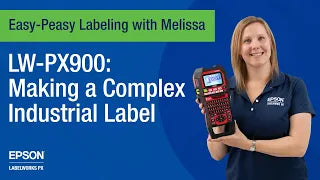
This is an awesome printer that puts my other 'homeowner' grade printers to shame. Most important of all is the labels produced do NOT fall off the item they are applied to 5 minutes after you stick them on. (Sorry 'Brother'...) I highly recommend watching all of the Epson 'How To' videos on YouTube to learn all the tricks of using their printers. Melissa has been great help in getting me up and running to design some complex labeling that I wanted to do. She makes it "Easy Peasy" as she says. Great printer and customer service.
If you are looking for a serious label maker, stop looking and get into the epson ecosystem of labels (ie "serious" label makers mean ones in the 150-400$ range).
I have owned and extensively used these label makers over the past 10 years:
Dymo Rhino line, Dymo LetraTag, Brother p-touch (mobile/ios unit + non-mobile).
I love (loved) my Dymo Rhino 4200 however the cutting blade had become very dull due to excessive use (about 2-3 years, moderate to heavy usage). I was very disappointed to learn there was no way to change out the blade (ie "solution" was to buy a new ~$100 Rhino 4200 unit and trash my existing one :( ). As i still had about 15 x unused dymo Rhino tapes , i figured i would upgrade/try the "step up" Dymo Rhino 5200. It was very disappointing- The screen was unreadable wo turning on the backlight, but worse, even with the backlight on, the screen was still very, VERY hard to read. (i have good eyesight). That issue + the non QWERTY keyboard on the 5200 forced me to return it. So i decided to find a new labeling system with these requirements in mind (in order of importance):
1- 3rd party / knockoff / CHEAP- tapes had to be available and easy to buy (ie via amazon or ebay). I can get 4x ,5x or 6x - 25ft 0.5" or 0.75" fake tapes for 20-25$ !!! (ie less than $5 for 25ft of labels!) or the real epson tapes are very reasonably priced at ~ 18$ for 25ft of standard 0.5" or 0.75".
(the situation was similar with dymo, but the knockoff epson tapes are much higher qualty than the knock-off rhino tapes)
1a- Great software/UI/Interface on the unit. (ie intuitive, well thought out and helpful). ie the Rhino software was ok, but clearly was not well used or itierated prior to its release. The epson software is EXCELLENT! you can tell that alot of time and thought went into it. you can tell it was improved over time (iterated), as pretty much any function you can think of, is possible. After 2days of using the software (and reading the excellent guide/docs included), i was making any label type i wanted/needed and very quickly.
(another example- i LOVE how you are able to constantly see a live preview of what your label will look like, **AS WELL AS HOW LONG YOUR LABEL WILL BE** (in inches), updated in Realtime, as you type/make changes. (you can even press a button to directly specify the length you want XYZ label to be, and the proper adjustments will be made)
1b- no wasted label margins (ie extra blank space on outputted label). i hated the constant wasted tape on all prior label makers i had used. (this is a big part of why i so frequently use knock-off / 3rd party labels). I had come to expect wasted label margins as a "cost of doing biz" on all label makers. NOT ON THESE EPSON units!! by default the margins are perfect/minimal. additionally you can very easy add or remove margins
2- QWERTY keyboard - (not a A,B,C,D,E,F.... in order, keyboard)
3- (ideally) the Cutting Blade had to be able to be changed
4- Wide range of tape sizes and types
The epson labelworks system blew my mind when i discovered it and starting researching it! some key points that sold me on their system (order of importance):
1- Various prices and sizes/types of their label makers ALL USED THE SAME TAPE cartridges!! (this was HUGE, i could buy a low-end 70$ unit to keep in my car, and a higher-end 300$ unit , AND a mobile/iOS label maker - AND THEY COULD ALL USE/SHARE the same TAPE cartridges. (some had limits on the max label width ect, but that is understandable).
2- robust availability of "cheap" tapes, which also have good reviews / ratings. (and even better, the real epson tapes were reasonable priced!)
3- an AUTO CUTTER! (very helpful, if it works well, AND IT DOES!) - ive printed over 100x labels so far of various types of tapes and sizes, and the auto-cutter is flawless. not one issue so far, and this is with both official epson tapes, and 3rd party "knock-off" tapes. Even the auto-cutter is smart / well programmed. one amazing feature is the "Kiss Cut" - where if you print 2 or more labels at one time, it will auto do a "half or kiss cut" between label 1 and label 2, such that 1x continuous label tape comes out of the unit, but you can easily peel label #2 away with one motion (just see the video you YT, that will explain it, but its super helpful).
3a- AUTO RECOGNIZES what tape you insert!! (even 3rd party tapes auto-recognize). when you insert a tape, it will show you the tape size (ie 3/4") tape color + print color (ie black on yellow) and the TYPE of tape (ie vinyl or self-laminating wrap-around). this is so helpful and time saving. On all other label makers i have used, each time you swap a type, the unit will ask you the size of the tape you just inserted. (doesnt seem like a big deal, until you use an Epson that auto recognizes).
* Epson could have used some complicated, proprietary RFID or barcode system such that this feature would only work with their own "real" tapes- but instead they used a simple and effective system that the 3rd party/knock off tapes could easy implement. ie epson thought of their customers and functionally before their $/bottom line. This makes for a better , more user friendly , product. )
4- QWERTY keyboards. (across the board on all their products!). also the px900 has every symbol and special character you could possibly think of (and they include a very handy foldable print out of each special character, and where its located in the "special character" menu. As an example, my Rhino did NOT have the ? character, (i even searched online and confirmed this).
5- can save 100x labels and any custom settings with XYZ label. (awesome! my rhino could only save ~20 labels)
I was deciding between the lw-px700 and the lw-px900, im very happy i went with the 900. (i paid ~$250 for the "lite" px900 kit - jan2022). it might be hard to figure out the differences between the 700 vs the 900, but they are worth it. ie, the 900 has a higher print resolution (DPI, 700= 900=250
A few days into using this px900 i was sold- and immediately purchased ~450$ of every tape i could need going forward. (spent about $200 on fakes/3rd party tapes, and ~$250 on real epson tapes).
Epson has a US based office, and they put out excellent youtube video showing off their products and tips on how to use them (you should check them out, these videos helped sell me on the epson labelmaker line). I hope they continue to put out new videos.
The px700 and px900 look the exact same, and are pretty large, but i have no issue with their large size (and was aware of this when i bought it). The large size is actually a PRO as it allows for alot of function keys, and a large screen. Its very well built. While writing this review, i had to keep going back and adding details as i typed it (i kept remembering excellent features the px900 has!). Bottom line, stop looking at / considering other label makers, and get into the epson label system /family of products.
If i have to come up with negative elements of the px900-
1- i wish you had better control over the height (or vertical stretch) of characters/text. (this may even be possible and i just haven't found it yet, but im pretty sure its not possible - ive read everything and gone through every menu and option so far)
2- i wish there also existed a more detailed User guide, of every single option / function. the px900 includes excellent documentation and guides, but im the type to read every page, of every manual and that seems to not exist (yet) for the px900.
As an example, im not clear on the "Proportional" = Yes/No option (ie when changing format/style). I wish there was a user guide/manual that explained something like this. The included User guide is very detailed , but it seems more like a "Quick-start guide" (but a very thorough and detailed "Quick-start guide"
3- i wish there were more fonts included. It seems there are only 2x fonts possible. (actually not that big of a deal for me, but still would be nice).
(i had to literally stop and think about negatives, to even come up with some)
(btw- even thought this seems like a very pro-epson review, i have nothing to do with epson nor received anything from them, ever. Im just very enthusiastic about great products, and this is a great product.).
I usually use dymo labelers but my labeling needs extend to cables and magnets. I figured it was time to get a real labeler with many more choices and got the epson labeler. This labeler exceeds my expectations and more, I love this labeler and should have purchased a long time again, I find myself relabeling things my DYMO could not. Super fast shipping and perfect packaging
best label maker on the market! But the cast is for the Dogs, there's no storage capability worth talking about, if you buy this buy another hard case.
The variety of available supplies is fantastic. I've been printing shrink tube, regular labels and wire-bundle flags. There are a ton of videos on youtube for this printer. And the tech support people at Epson are super responsive.
I have not yet tried the PC based software available for this printer, but it's supposed to let me upload and print custom graphics (like a logo) on my labels!
The variety of available supplies is fantastic. I've been printing shrink tube, regular labels and wire-bundle flags. There are a ton of videos on youtube for this printer. And the tech support people at Epson are super responsive.
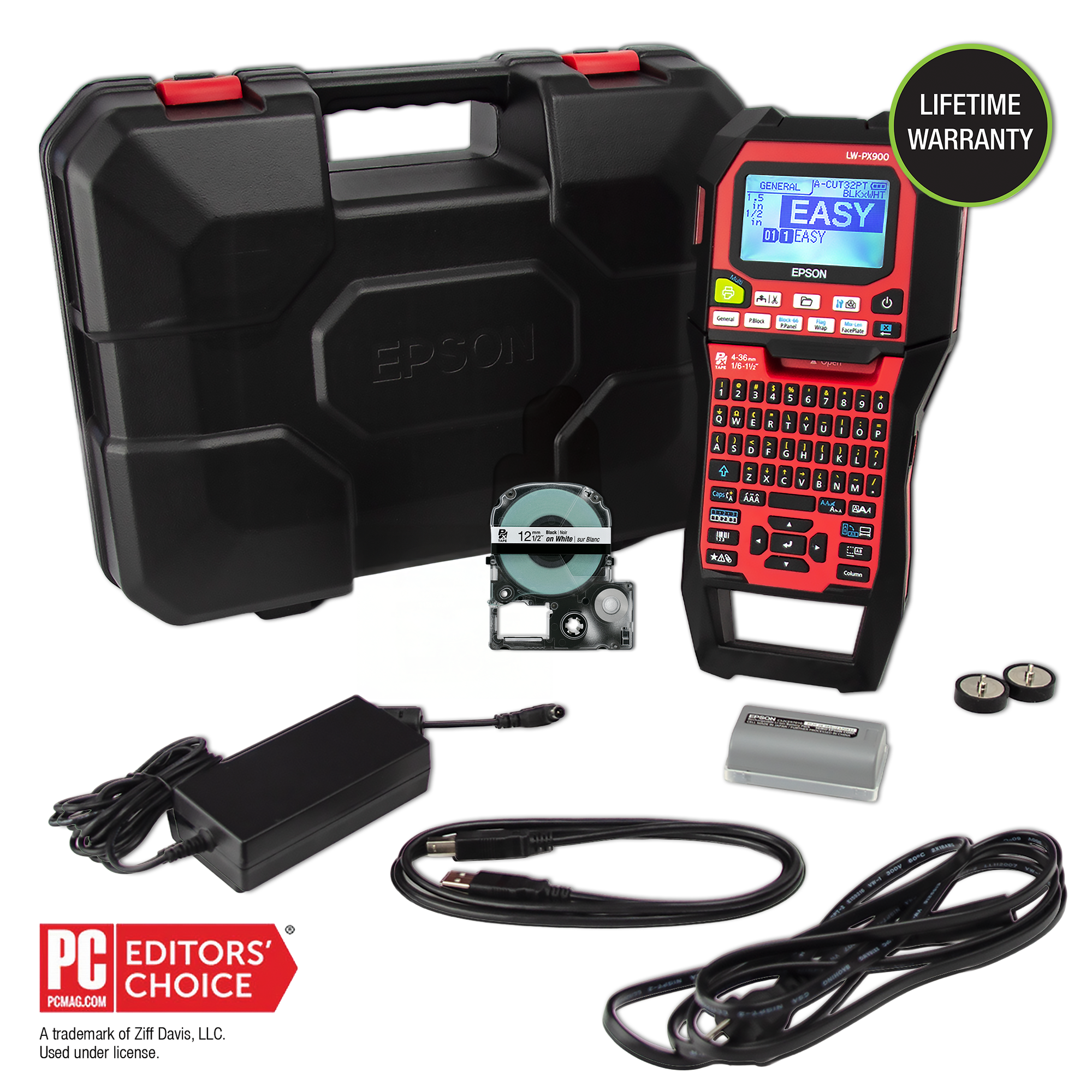
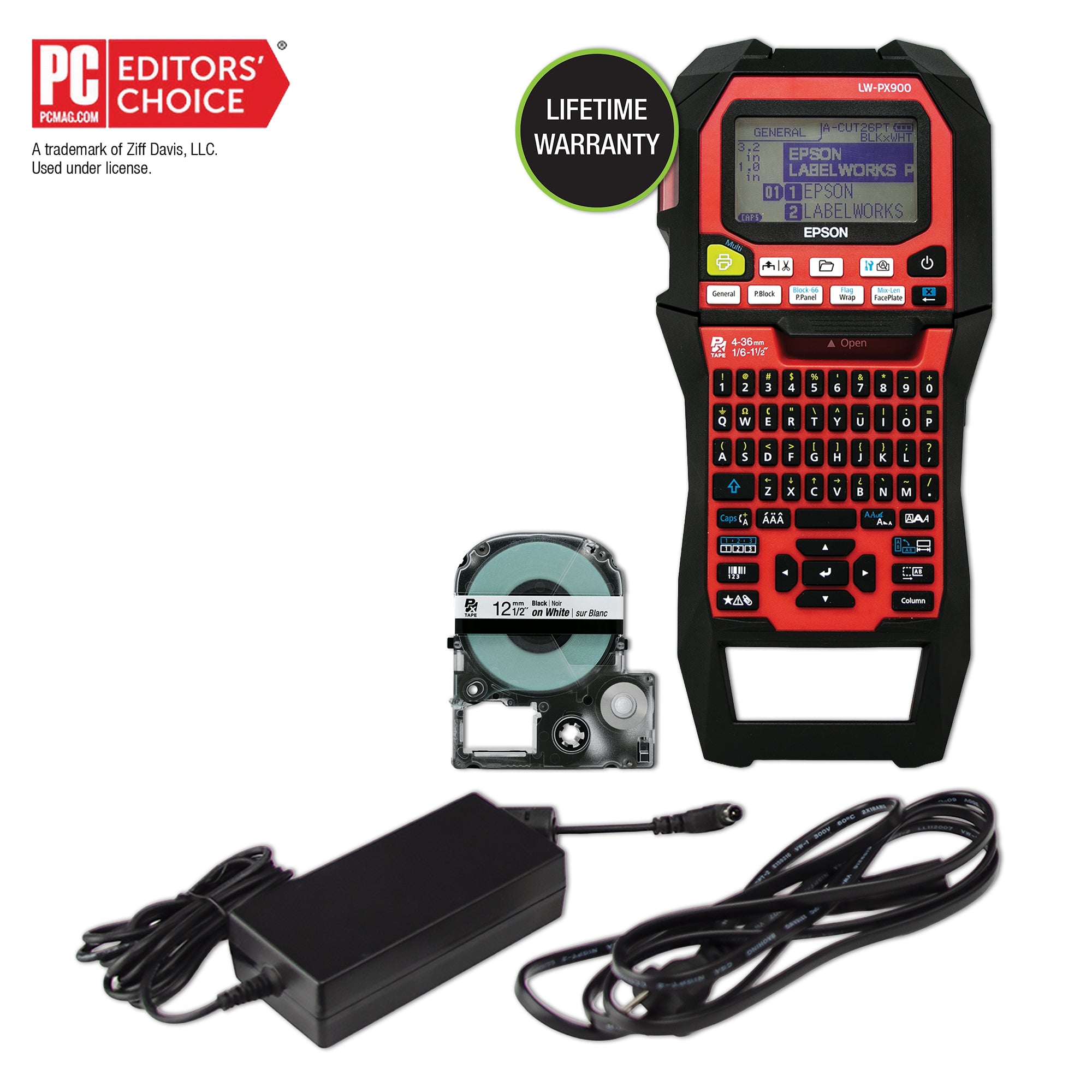
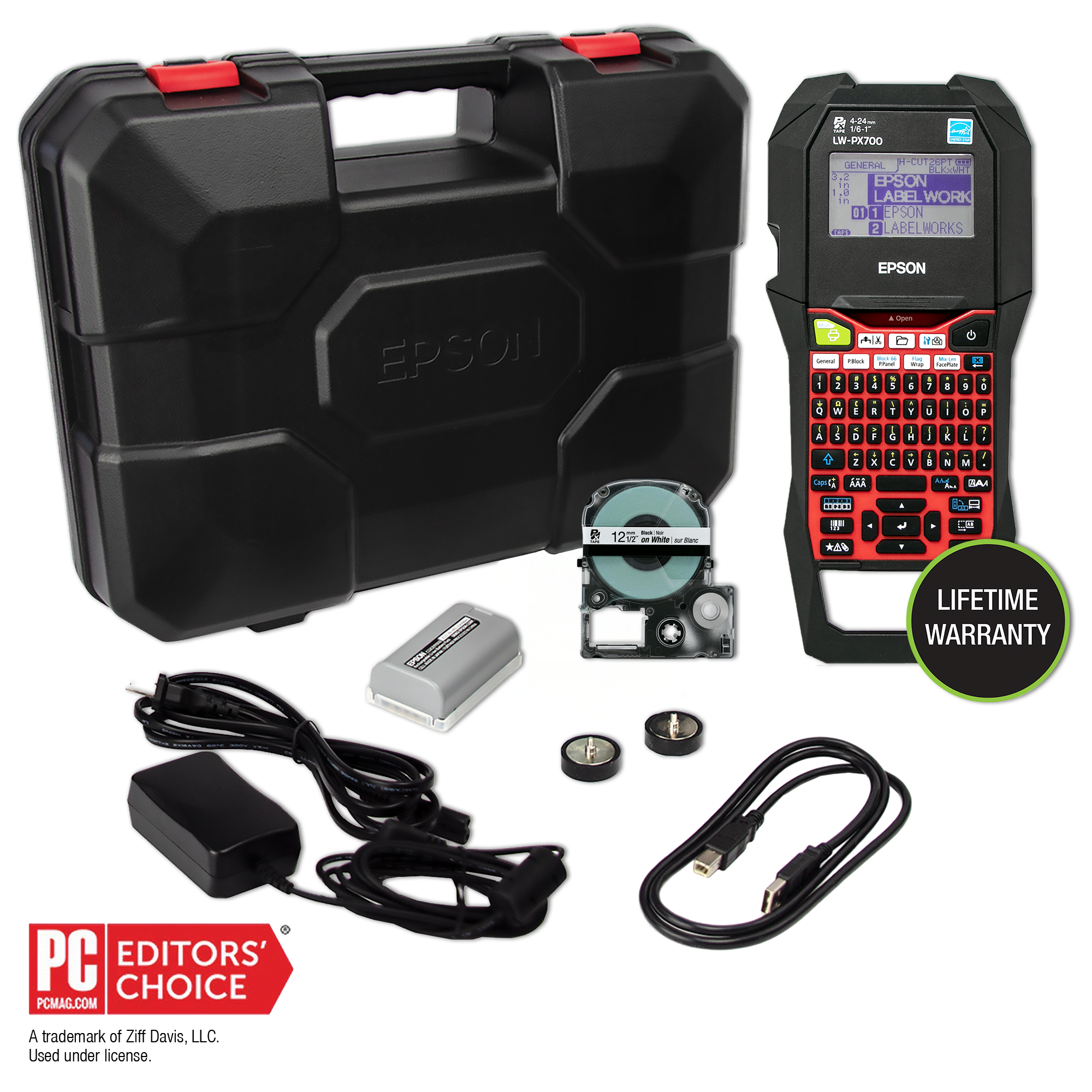
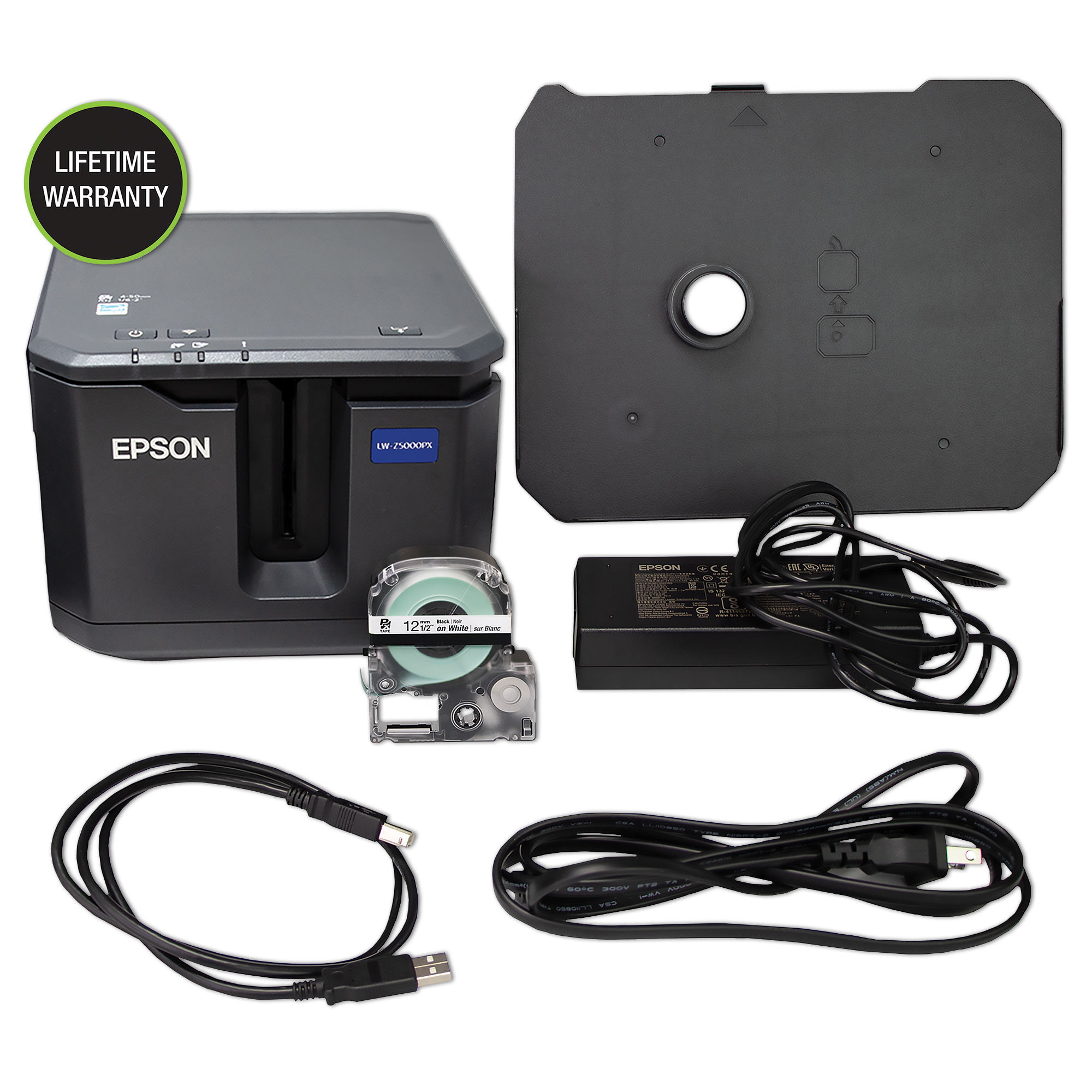
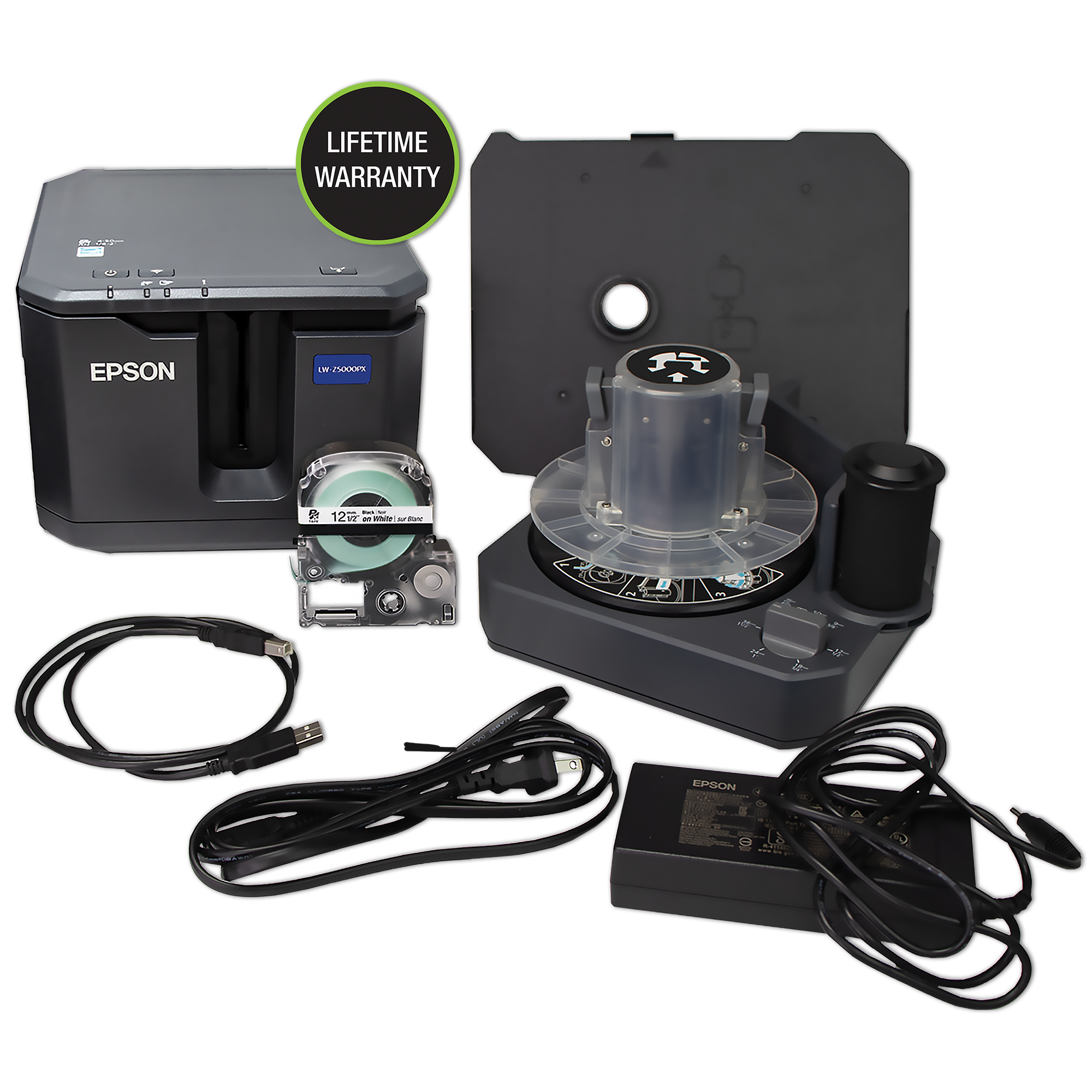
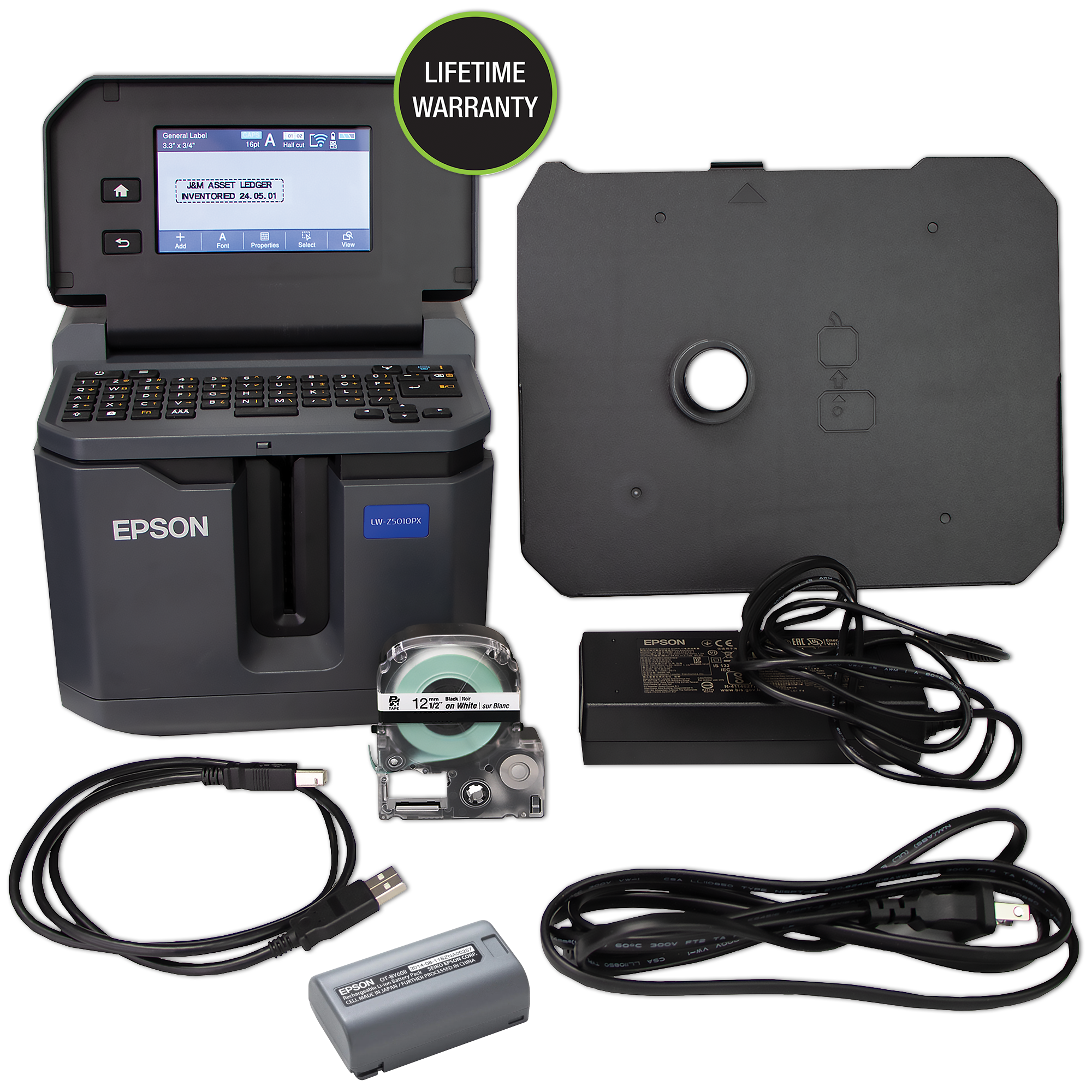
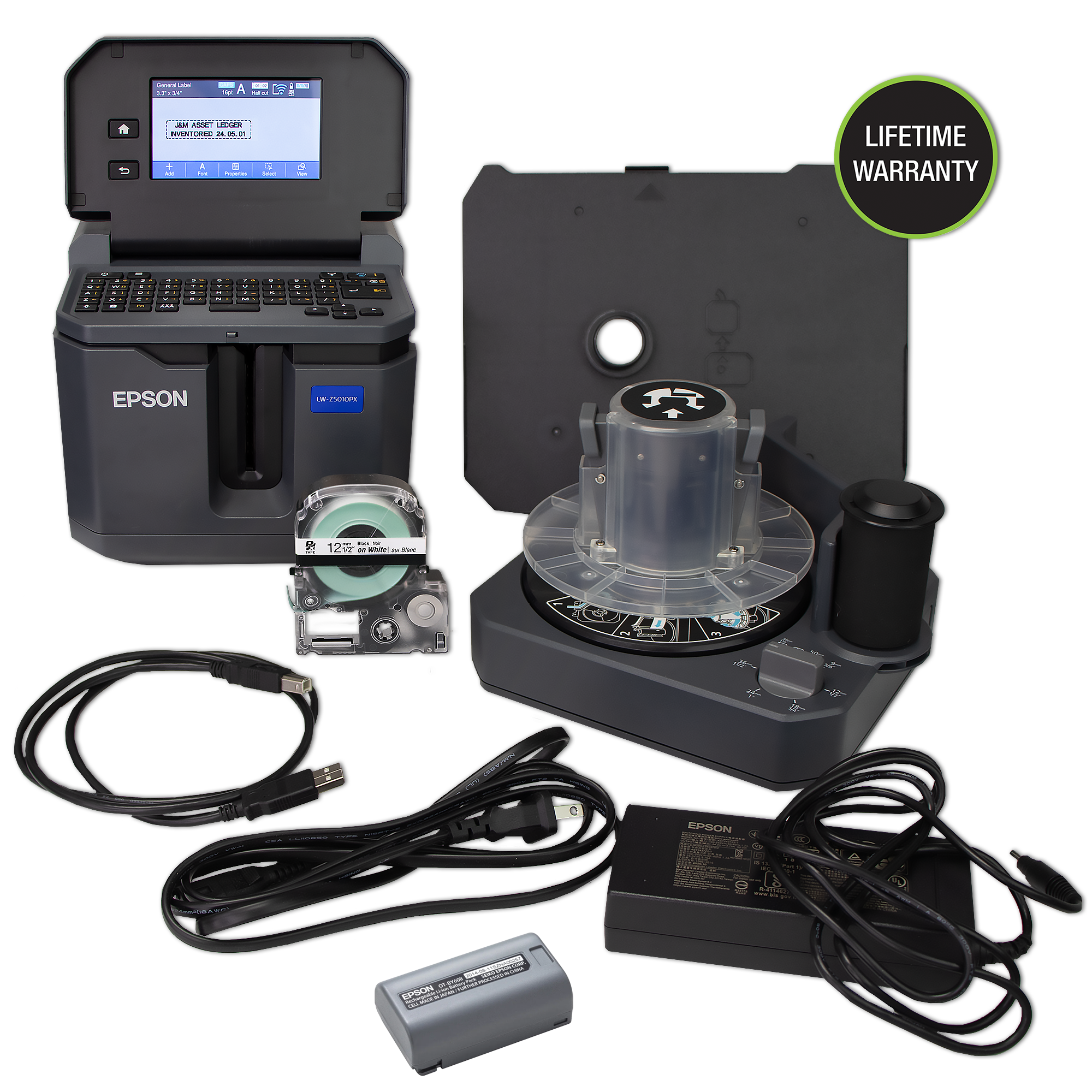
Epson LW-PX900 Printer, 1/2" Black on White Tape Cartridge, Label Editor Software, USB Cable, Lithium-ion Rechargeable Battery, AC Adapter, 2 Removable Magnet Attachments, Owner's Manual, Industrial Hard Plastic Case
• Compatible with all LabelWorks PX tapes up to 1.5" wide
• Large LCD print preview screen with backlight
• Large variety of labels / multiple use printing
• Auto cartridge detection and auto rewind
• Mix length/cut-on-demand
NOTE: If shipping to Alaska, Hawaii, or Puerto Rico, this product may only be shipped via AIR
More Information
Manufacturer:
Epson
Brand:
LabelWorks PX
Specifications:
Printing Technology: Thermal Transfer Tape Width: 4-36mm Compatible Heat Shrink Supplies: 203 (3mm | 1/8"), 205 (5mm | 3/16"), 208 (8mm | 1/4"), 210 (10mm | 3/8"), 211 (12mm | 1/2"), 214 (14mm | 9/16"), 221 (21mm | 7/8") Resolution: 360 dpi Printer head width: 27.1 mm Max Print Speed: 35mm / sec (With AC Adapter) Store and Print Images: No storage, Print from PC Print Settings Repeat Printing: Yes Auto Increment: Yes Data Import: Yes Number Serialization: Up to 4 alpha-numeric characters Mirror Printing: Yes Vertical Printing: Yes Mix Length: Yes Margins: Minimum 4mm lead on standard industrial tapes. Specialty tape lead margin varies by supply Batch printing settings from 1 to 500mm Fixed Length: Auto / Custom Cable Wrap: Yes Flag: Yes QR Code: Yes Bar codes Via Handheld: 8 types Symbols: 892 industrial and professional symbols pre-loaded # of Fonts: 2 Hardware Cutter: Automatic with full-cut and half-cut function Detection: Cover Open, Battery Level, Tape Detection (Type and size), Tape End Drop-Stop & Pick-and-Print: Prints, cuts and holds tape until it is pulled from printer before printing the next label in the batch automatically LCD: 140 x 80 dot back-lit monochrome LCD, 16 character, 4 line Internal Memory: Up to 100 files Connectivity Interface: USB Software Download: Epson Label Editor: Windows 7, 8, 8.1, 10, 11 *Not compatible with ARM Processors Other Information AC Adapter: Yes Battery: 6AA (Not Included), Lithium-Ion Battery
Hardware:
Reviews
Product Attachments
Testimonials
Serge L.
Excellent service and great products. We are working in avionics and the Epson products are perfect for us…. I recommend Epson.
Jeff S.
The team at Epson helped guide us with our purchase of new industrial label printers. Very helpful and knowledgeable.
Kevin M.
First Class Customer Service. Told them the situation, and... they sent a replacement unit the next day. Awesome.
Gregory P.
I got a phone call making sure I ordered the right tapes for my label maker. In today's market, show another company that cares at that level.
Great Resolution
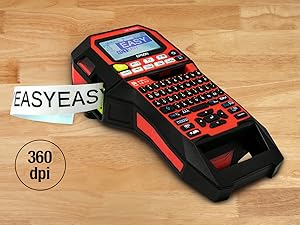
This printer is compatible with all Epson LABELWORKS PX label tapes up to 1.5" (36mm) and prints with incredible 360 DPI resolution for clear labels.
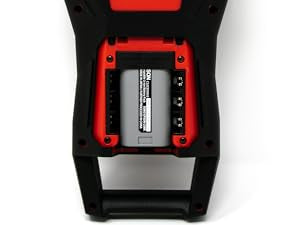
Lithium-Ion Battery
The full Kit features a lithium-ion battery so you can use this industrial label maker and printer anywhere
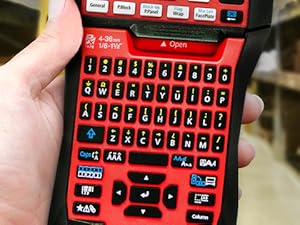
Smart Buttons
The buttons on this label maker are functional and easy to use, so that you can quickly take advantage of all printing capabilities
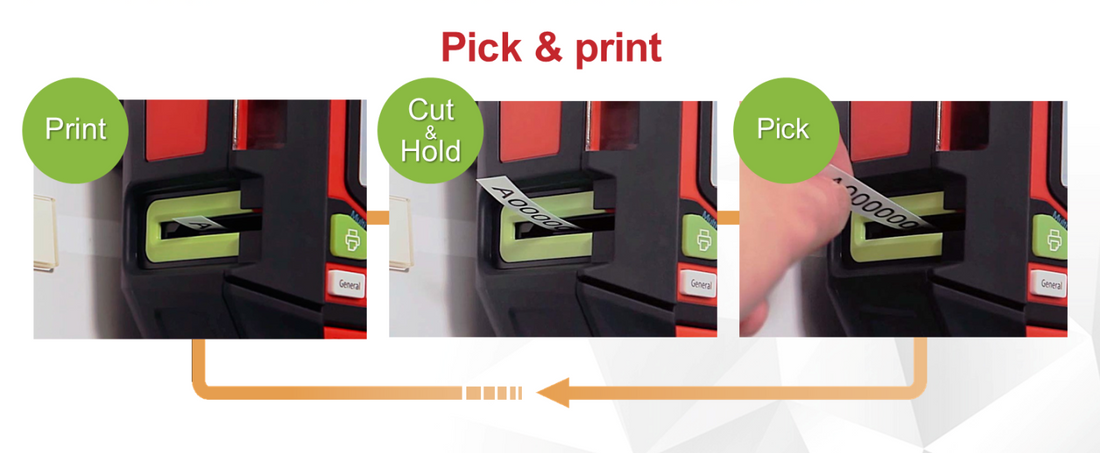
Pick & Print
Epson's LW-PX900 has the ability to pick and print (drop stop) labels that are convenient to use. This optional feature prints your label, holds until you take the label, and then will print the next label. This cutter feature saves time and provides you with the convenience needed for your label printing projects.
Auto-Tape Rewind
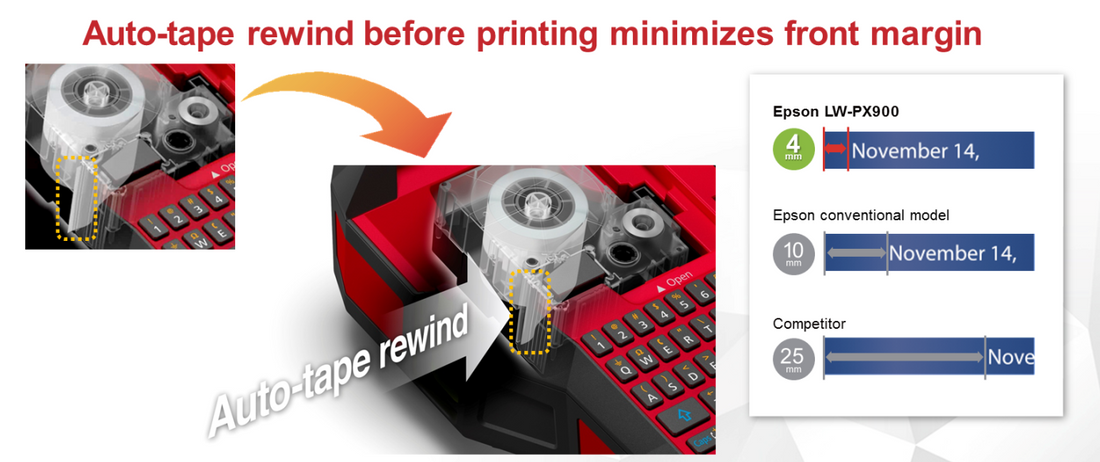
This tape-saving feature of the Epson LW-PX900 works with all compatible materials and minimizes the front margin when printing. The auto-tape rewind feature pulls tape back into the printer to reduce margin waste on standard industrial tapes. This benefit reduces total cost of ownership compared to other label printers.
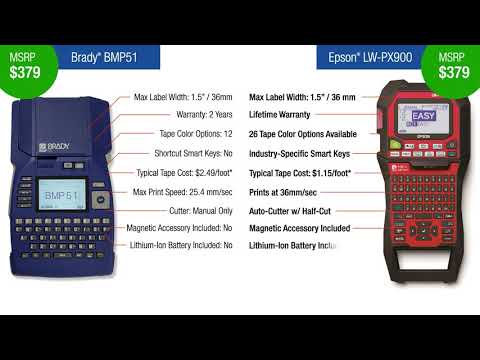
This short tutorial video explaining key functions and cost- and tape-saving functions of the LabelWorks PX LW-PX900 thermal transfer label, barcode and heat shrink tube printer.
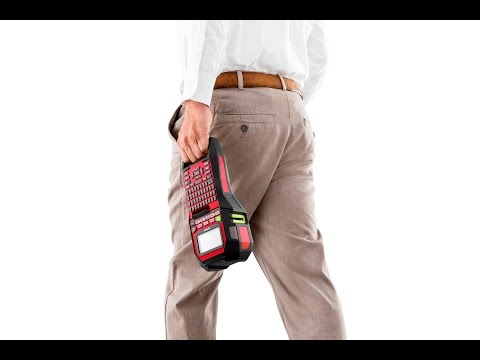
The Epson LabelWorks LW-PX900 is faster, better, easier, and wider. From the front office to the warehouse and the mobile office to on-site installs, the LW-PX900 is the tool you need to get the job done fast.
Epson LW-PX900 Printer, 1/2" Black on White Tape Cartridge, Label Editor Software, USB Cable, Lithium-ion Rechargeable Battery, AC Adapter, 2 Removable Magnet Attachments, Owner's Manual, Industrial Hard Plastic Case
LIFETIME WARRANTY
NOTE: If shipping to Alaska, Hawaii, or Puerto Rico, this product may only be shipped via AIR