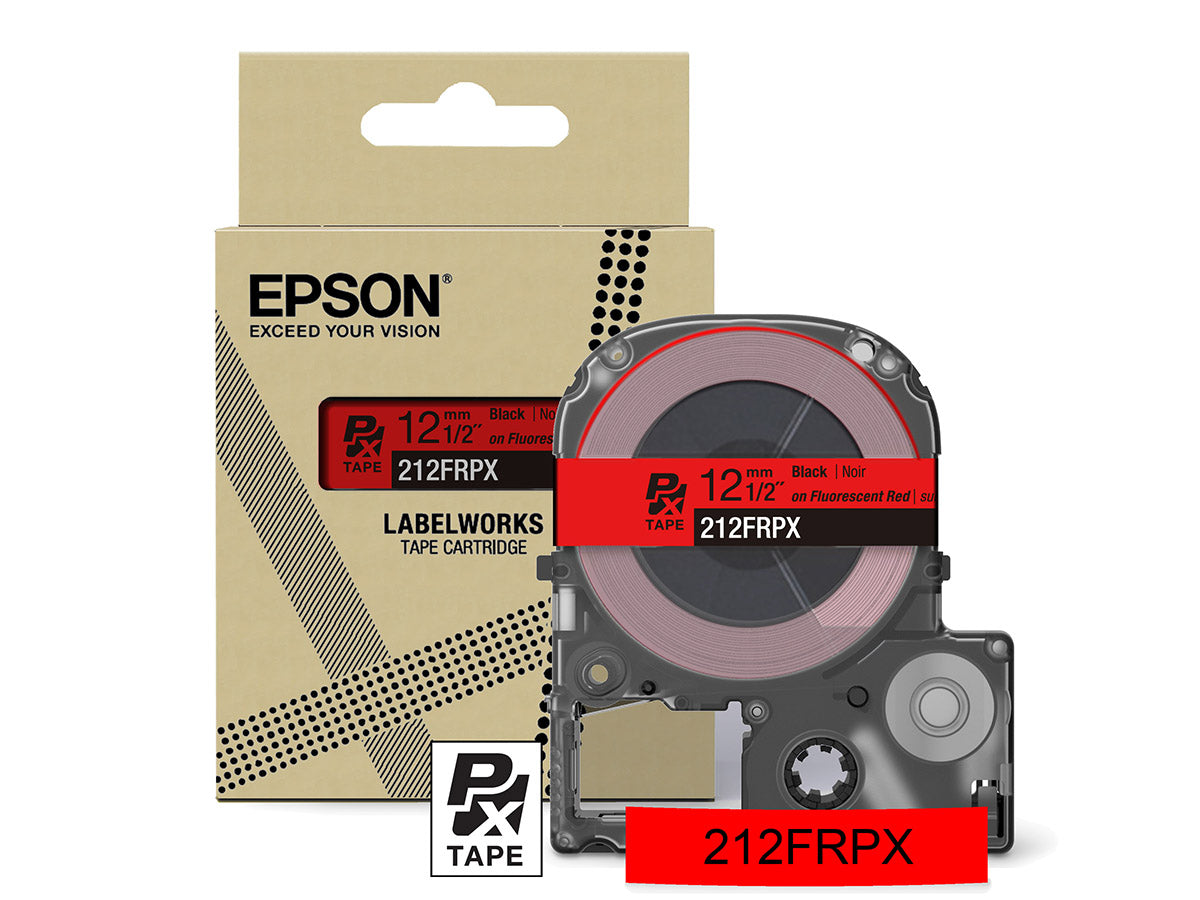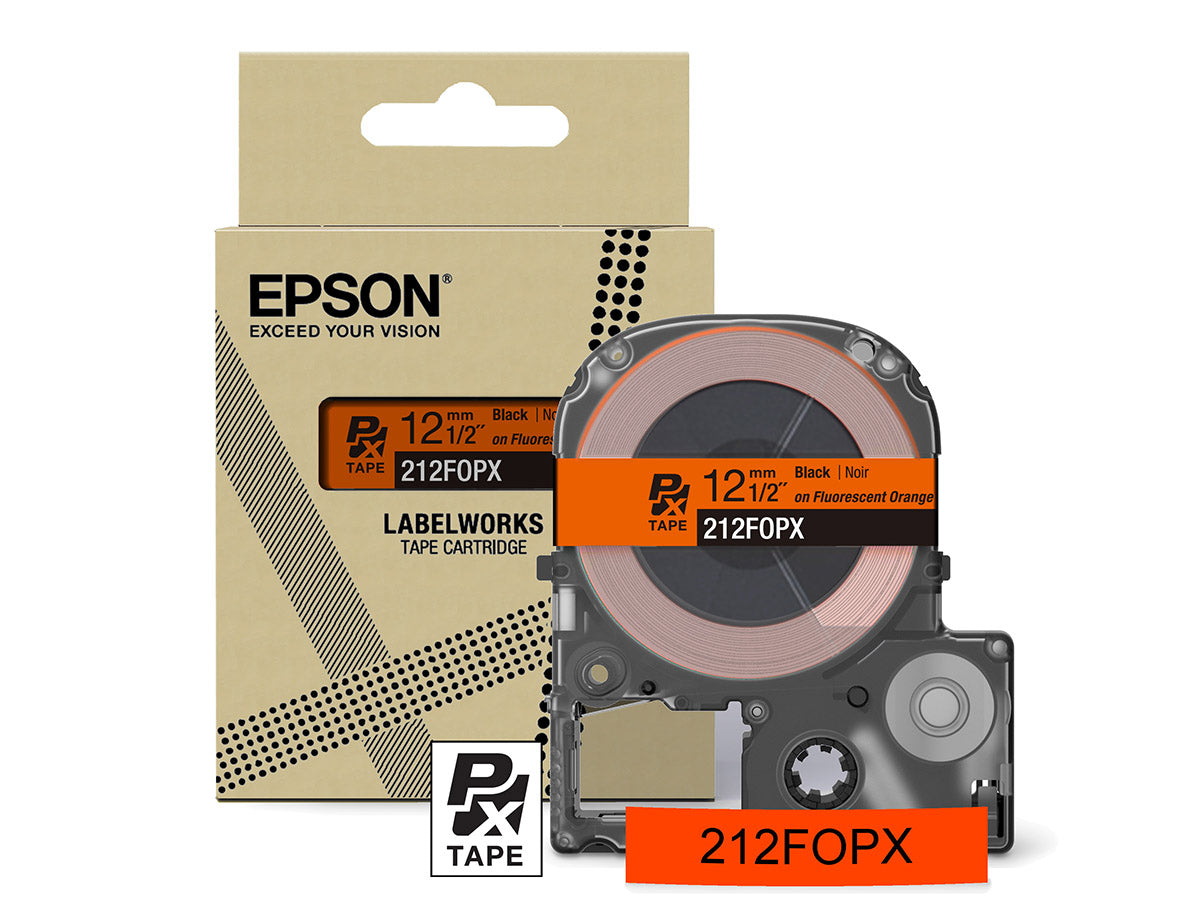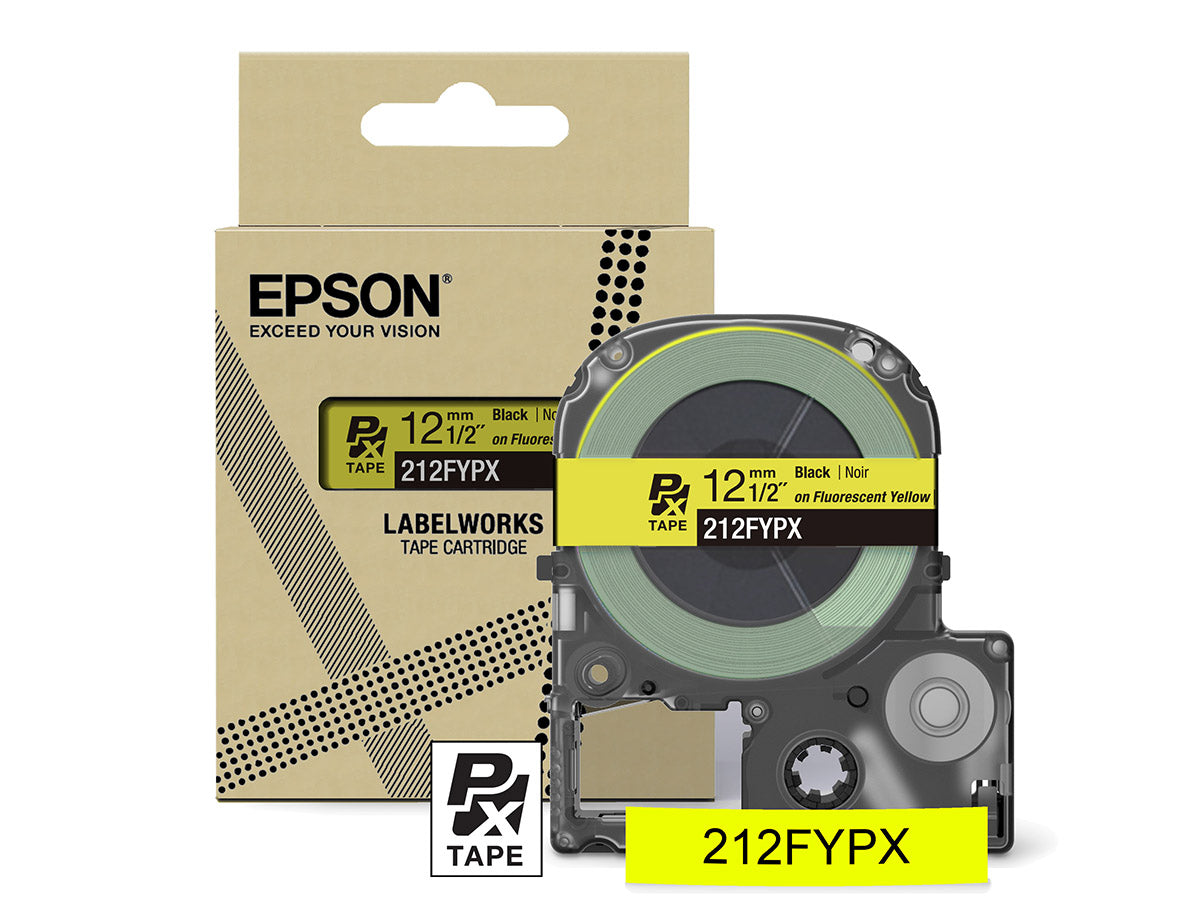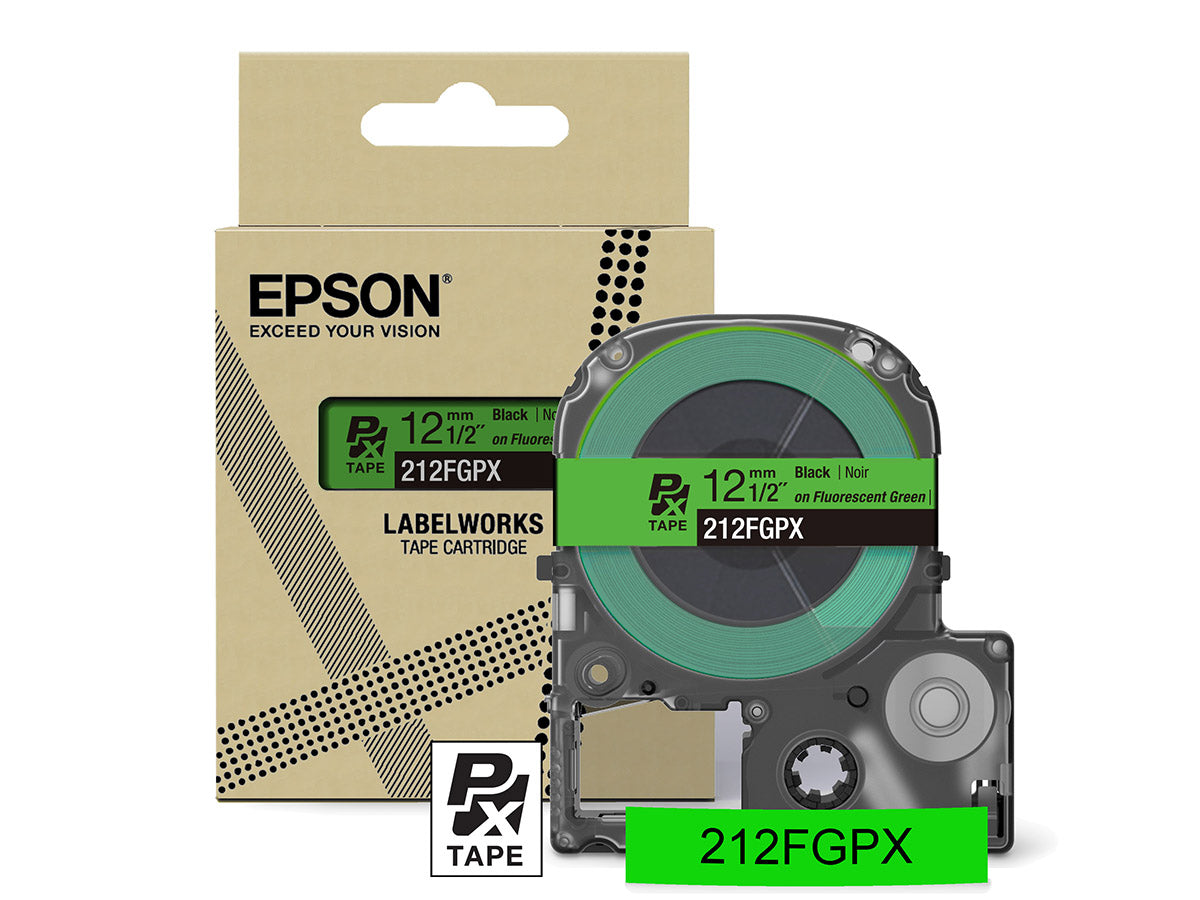
Product works well and as described. The selection of material to print on is impressive. I ordered direct and delivery was quick. Printer is a very good value.
I am a Mac user and spent a bunch of time trying to get the Labelworks software to connect to the LW-C610PX printer. I finally emailed Customer Support and learned this combination is not compatible. I'm using my iPhone which works fine, but not my desired workflow. Even in the Label Editor for Mac software I couldn't find anywhere that stated only certain models of printers would work.
This label maker is the gold standard for all of the OCD organizing, labeling mom types out there. You can make them large, you can make them small. You can make them shiny, clear, fancy, bold. Whatever floats your boat. It makes a clean cut every time, is easy to navigate in the app, stays powered up for a very long time and is very sturdy.
If you are looking for an item like this then you found the right one here. The quality and craftsmanship of this item is far superior to many other items like this. I have looked around for this item and have found that this one is one of the best based upon quality, craftsmanship, price and ratings. I would highly recommend going business with this Vendor.
This works great from my IOS devices. does not have an app for Mac computers. The labels are another story. Very difficult to remove the backing. Dymo labels are so easy to use by comparison.
This label maker is a fantastic find! Right out of the box, it’s incredibly easy to use, which made setup and labeling a breeze. The design is sleek and minimal, fitting right in with my workspace without taking up much room. It feels well-made and sturdy, which gives me confidence it’ll last a long time. I was genuinely impressed with how well it performs, far exceeding my expectations! Highly recommend for anyone looking for a straightforward and stylish label maker.
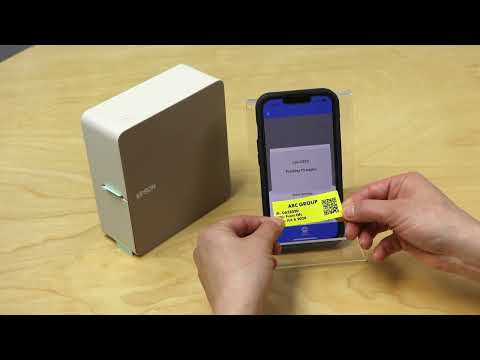
Just got it in today and started printing custom labels for my plant babies with QR codes to my database to track when I last watered/fertilized, etc. And the app is super easy to use.
My only complaint is I don't understand why it cuts off an entire 1/2" of tape before each print job -- that's insanely wasteful.
As for all the complaints about how hard it is to peel the tape, not sure if this is a new feature or an unnoticed feature, but it's slit down the middle... You just have to gently bend the label and the backing comes right off.
I anticipated the typical Epson high quality and was not disappointed. Worked fine right out of the box. The backing is sometimes a little difficult to peel off the label, but that just might be my technique.
Finally I have the perfect label maker for myself! I really like the feature of being able to save labels you’ve already made. There are many font and border choices. They comes out perfect every time, they look great. I’d like to purchase some additional label tape in different colors.
I like this label maker. It produces excellent labels, but it could be better. The Bluetooth connection drops after several labels and sometimes even before the first label is printed. When this happens there is a long timeout period you must wait for before you can re-connect. Also, it is unable to connect with Bluetooth on a laptop so you have to use the phone app to create and print the labels. I knew this before I made the purchase but it would be great if it would also work with laptops for when you have to make a lot of labels.
Print quality is great! Using the software on your phone is kinda lame, and time consuming. Would be nice to have software for MacBook to be able to edit with normal size controls and screen.
I like the labels that this little printer makes. The app is easy enough to use, and you can do a lot of cool things with your labels, including graphics and bar codes.
There are a couple of things that keep me from giving this a full 5-star rating however. One is that it requires six (6!) AA batteries. Apparently there is an optional AC adapter, but it is not included in the box (even tho there is a compartment in the box for it). In my opinion, this should be included with the printer.
Another concern I have is the cost of the consumables (in addition to the batteries). Looking on Amazon for replacement tape cartridges, they seem a little pricey to me. That along with the cost of the printer makes me question the overall value of this printer.
Love the quality of the printed output and all the tape type options. The printer feels very high quality in its build also. Highly recommend this printer.
I really like this thing! The vast selection of cartridges that can be used with it, including ribbon, makes this an extremely versatile crafting tool to have in your arsenal. The price is a bit high, but I guess it's up to you to decide if that price is worth it based on what you are doing with it. I also like that it can be plugged in to use, but, at the price of the machine, it should come with the power cord!
I've been a labelling fiend with this machine. The labels aren't significantly different in price to other labellers out there, and the quality and connectivity is good. So I've been using these labels on everything.... outlet cords so I know what is plugged in where; journals so I can keep track of those; cables to solve my cable spaghetti problem; tool boxes and tool drawers... my life has never been so organized!
Got this label maker rather than a generic/no-name brand because of Epson's brand equity and reputation for quality and this did not disappoint. The labels are clean, crisp, and easily readable. This unit is really nice and compact, I just wish it had rechargeable batteries built in/included. As is, you must supply a power supply (not included) to plug it in, or your own AA batteries. The app works well and is easy to navigate with lots of formatting options.
IF you are looking for a portable label maker to take with you on the go, this is the one!
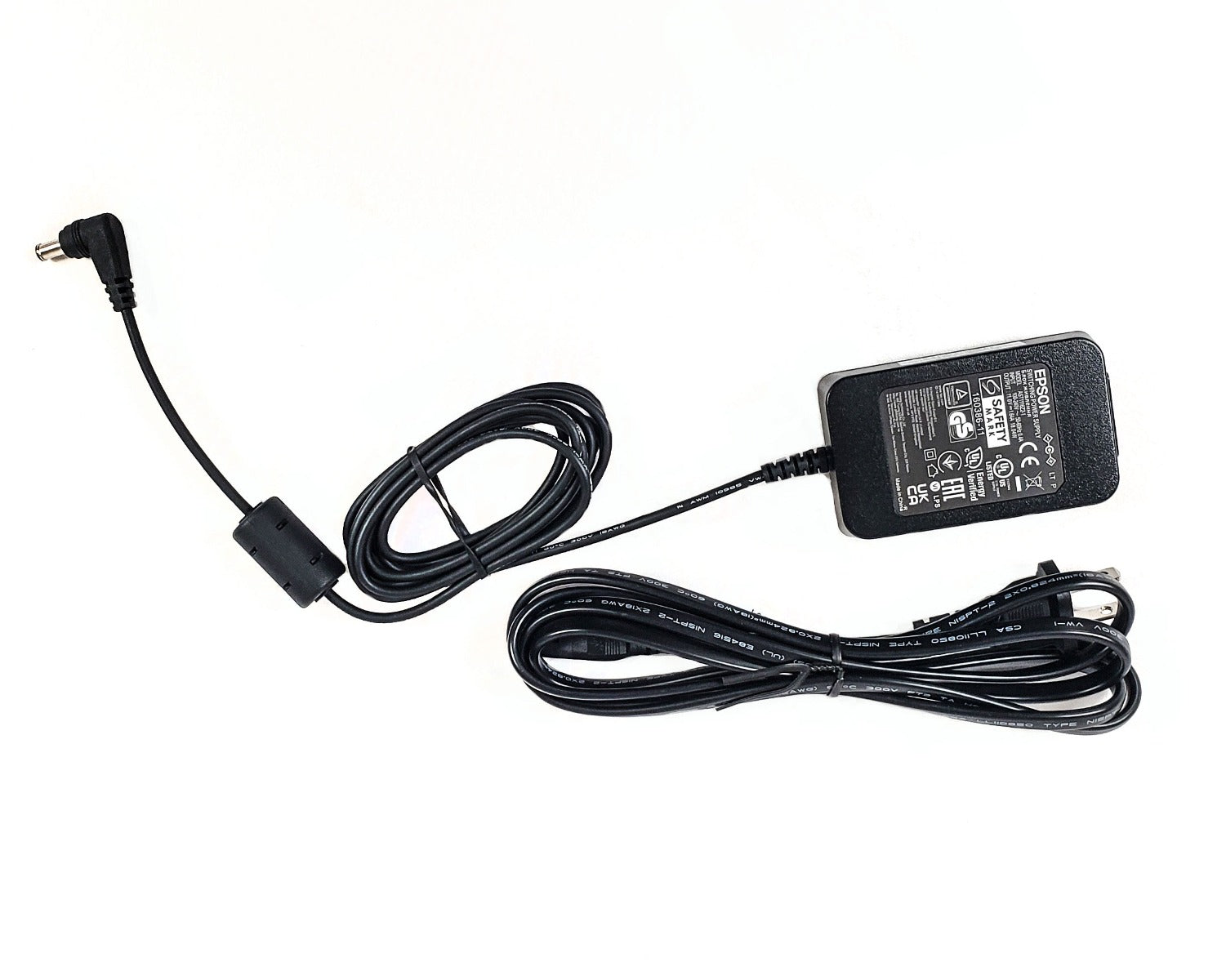
I missed it when I ordered this... I. guess that I just couldn't imagine that in this day and age that a label maker in this price point would come without a power adapter and is not rechargeable out of the box! and no, it doesn't come with batteries either. 11V 1.64A DC power adapter is sold separately! That said, this is a great, higher end label maker on most other levels other than that.
While not as light or small as many other label makers, this is portable... though I wouldn't throw it in a bag and carry it with me everywhere like others I have had. It is easy to use. It connects through bluetooth and the Epson app on my iPhone is as well. I do wish that the desktop epson app supported this though, as I prefer to use the desktop at the office. Although I have only used the tape that came with it, I am looking forward to trying the plethora of available tapes, like the magnetic tape! Despite the few little annoyances, we are enjoying this label maker and expect it to really last (Lifetime warranty!)
This printer works well. Uses less paper than some others in between prints. Versatile and plenty of options. I had trouble with it at first where I would que up a project, but it would power off when commanded to print. I reached out to customer service and we went through all the trouble shooting possibilities. After exhausting our efforts, the rep sent me a new printer and the new one works no problem. Very quickly handles on their part.
So i will admit i have a brother touch from several years back and this is a comparison between the two. Spoiler alert, i prefer the Epson interface.
I think as far as actual function goes? They are very similar. The Epson is much sleeker and feels more sturdy. I believe the tape roles for Epson are slightly more expensive than brother but that's alright.
Also a slight negative? The AC adapter is not included into the Epson but is included with brother (in the model i have).
Of course we have a Dymo label maker.
However, got this one - it is relatively compact with good print quality. Can put in various width of labels.
What I like is the portable nature, as it can run on 6 AA batteries; it does NOT come with a power cable.
The app-driven nature is nice.
If you scroll down to the Product Description -> Specifications you find that 6AA Batteries or AC Adapter is *Not* included easy to miss if not looking for it. Looking at the power connector it needs an 11V 1.64A DC power adapter search for "Epson LABELWORKS AST1116 AC Adapter" .
I am running the “Epson Label Editor Mobile†APP on an iPhone 11.
It can make great personalized gift tags add an image of the person the gift is to: and/or from:
Takes up to 1†wide tape. I will have to try the Magnetic tape.
Great resolution prints at 360 dpi.
App has auto tape length or the length can be manually set for extra "white" space.
Auto detects tape width and that can be overridden if needed to create labels offline or while waiting for new tape to arrive.
Adjust and position the objects images, text, etc touch the object and use the Front, Spacing or Position tabs see photo.
I have problems positioning the object using touch hold and drag method, positioning using the arrows is slow for long distances.
Tape cartage inserts and the door closes much easier than my old Brother PTPC.
App info states a limit of 100 saved Labels I have not come close to that yet... Labels can be shared just press and hold any label in "Saved label" check the label(s) then share. see photo
No way to get a direct image from the mobile device's camera getting images from the Media folder is OK.
Context:
After using my Dymo Rhino label maker for about two years. I liked the label maker but decided to see what other label makers were out there when it stopped working. I haven't had the chance to test out many different labels, but so far I'm quite pleased with this new one! One of the standout features is that it cuts the label for you, which is so great. The print quality is also MUCH clearer!
Connectivity:
Connects via bluetooth through one of Epson’s apps available on Android and iPhone. The amount of features and customizable abilities this printer has available through the app is amazing!
Pet-peeve:
There is no AC adapter or AA batteries included. Although the description mentions that it is extremely disappointing knowing that a product of this caliber cannot be used because the power supply isn’t supplied in its packaging.
Between labels printed there is about ¼†label that comes out, which I assume is to calibrate itself.
Overall:
It's very easy to use and navigate, although I'm sure I'll become even more familiar with all of its functions as I continue to use it. Make sure to have 6 AA’s handy whenever this arrives!
The app isn’t as user friendlier as I like when making labels with pictures and words. If you’re just printing words, barcodes, pictures alone it is sinple to use. There is a large option of labels available for purchase, including a magnetic label. This label maker is larger and heavier than most portable label makers without a keyboard. It uses 6 AA batteries or you can purchase the bundle that includes a power cord.
Description:
This is a portable, bluetooth label printer.
This unit runs off of AA batteries and an app on your smartphone.
Pros:
There are so many features, fonts and images to use on your labels.
There are also many types and styles of labels to print on including ribbons and heat shrink tubing.
Lifetime warranty!? C'mon!
Cons:
Runs off of AA batteries. Would be better if it was rechargeable.
There is no PC app, just smartphone
Doesn't come with a power cord.
Summary:
All in all it's a pretty nifty little label maker.
It's got a few faults but nothing that takes away from what this little guy can do.
Very impressive.
As it happens, I purchased my first Epson label printer 7 years ago to the day. It was an LW-600P, the Epson flagship label printer at the time with almost exactly the same form factor as this new LW-C610PX. It had a much different design aesthetic though...more '80s style where this one is more modern and looks almost like it could be an Apple product. My 7 year old printer was also bluetooth enabled with an app you could use to design labels. It printed at 180dpi which was pretty decent, but not 360dpi like the new LW-C610PX! I paid $100 for that old printer which is $11 more than the current retail price for this new, much nicer one. So despite inflation, Epson is making a printer with twice the dpi for 11% less than 7 years ago! Way to go, Epson. Or should I say K-Sun...the company name on the included warranty card?
No matter who makes it. It's much better in every way than my old printer. Don't get me wrong, I liked my old printer but this new one is definitely worth upgrading.
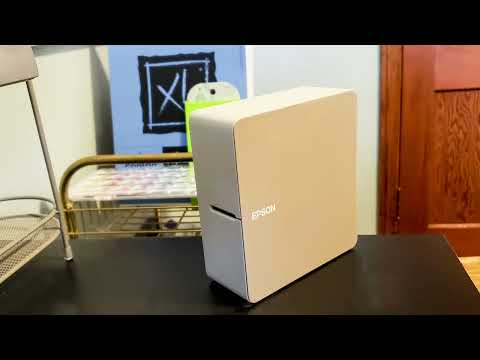
As I already mentioned, the modern aesthetic of this printer is very nice. The band around the center, including where the labels come out is a subtle cream color. A slightly darker light-coffee brown accents the sides. It's very unobtrusive in most environments and could be left on a desk or counter without drawing attention as an obvious printer like my older one did.
I had purchased an Epson A/C power cord for my old LW-600P and it fit and powered my new LW-C610PX just the same, saving me from purchasing another cord. The label printer can also be powered by 6 AA batteries of course.
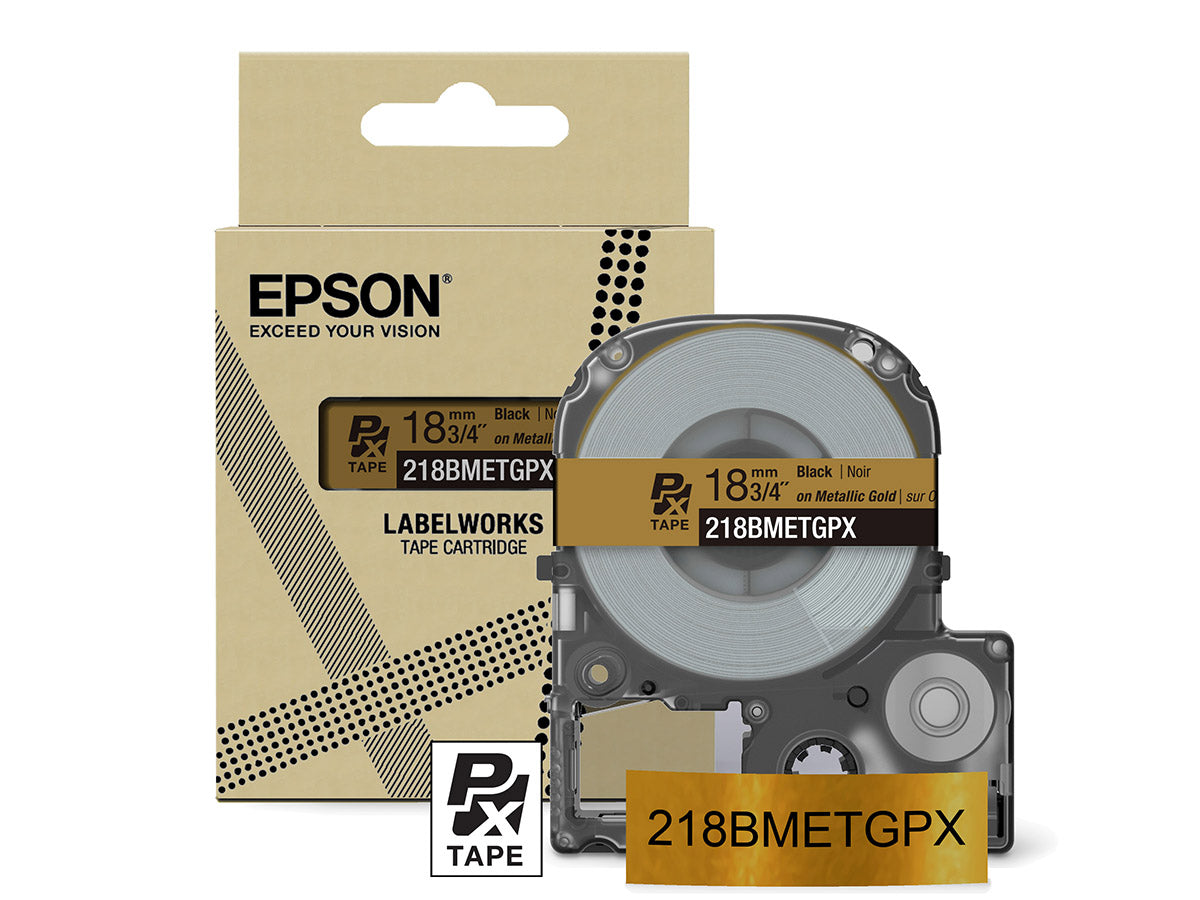
Before opening the new labels included with the LW-C610PX, I thought I'd try my old labels from my other printer. I soon discovered that they didn't fit. The new cartridge design is just a bit curved at the top. That's about the only difference I could discern. It makes me wonder if this tiny design change was really necessary or whether it had something to do with Epson's desire to sell more labels rather than have people use up old inventory. Regardless, the labels that came with the LW-C610PX are very nice. They have a smooth matte finish rather than the glossy look of the old ones. I much prefer this as it looks quite classy, especially as the 360dpi print quality is actually even better than the 300dpi photographic print quality that has long been a standard! No wonder Epson shows how you can label gifts with black labels and gold print. The print quality really does look like the labels were printed professionally.
I pretty easily figured out how to pair my phone with the printer via bluetooth. The large sheet of instructions was clear enough with pictures for each step in case you're more visual. There was a QR code to scan to download the label printing app on your phone. I've been using the old Epson label making app and was interested to see what this new one could do.
I was very pleasantly surprised! The new label making app has so many options compared to the old one. You can layout your label precisely using different fonts, icons, etc. You can even generate QR codes you can scan to bring up website. For example, I made one for the bottom of my label printer that brings up the manual. You could do the same for a page to order printer supplies. So many great uses for the QR code function.
This label printer is truly in another league compared with my 7 year old LW-600P which was Epson's flagship label printer at the time. The design, print quality, and much improved app make it so flexible. I did try the new Epson app with my old label printer and it actually works on my old one too. But of course the labels are still glossy and print quality is only 180dpi on the old one so the new one is well worth the upgrade.
I printed the same label on both printers so you can see the difference. The larger label was printed with the old LW-600P and the smaller one with the new LW-C610PX. It's a bit hard to tell the difference in glossy vs matte looks in the photo but you can see the extra clarity of the 360dpi on the smaller one vs the 180dpi on the larger one.
I also scanned the warranty card so you could see that K-Sun seems to be the actual manufacturer here and not Epson.
There are a couple downsides I should note. One is the old complaint about a full half-inch of tape being cut off and wasted with each label. This doesn't seem necessary and harms the consumer and environment. Many labels I print are only 1" or 2" so 25% to 50% of the tape I buy goes straight to the landfill. If Epson could even make the label waste ¼" instead, that would be a 50% savings in wasted tape. Come on, Epson...I know you could do better than this if it wasn't for all the extra tape you sell because of this.
The other downside is the extremely long terms of service that you must agree to before using the app. I get that there are long terms of service for using financial services or some types of products, but it always makes me uncomfortable as I've found things buried in these agreements sometimes that are a bit sketchy. I'm in no way saying Epson's terms contain anything like that but they are too long for most to read. I tried to capture them with a screen stitching app but it took literally 50 screenshots on my phone which crashed the stitching app. Why can't I just print a label without agreeing to that kind of document?
Aside from those complaints which most likely are not unique to Epson label printers, I really like this label printer. I'm newly inspired to label everything, especially with the QR code function.
This little label printer is fantastic! I haven’t used a label printer in many years, and so when I decided I wanted to find one, I still remembered my grandmother’s old label printer. With that, I would choose a letter and press a button, then move to the next letter. This is not your grandmother’s label printer! The little printer embraces technology.
There was a huge user agreement to accept before using the application. I skimmed through it and it was time consuming. In my opinion, that is the worst part of this device.
The application is easy to use and intuitive. The bluetooth does disconnect between uses, so that is kind of weird, but not a big deal. There are many fonts, symbols, and more. I’ve labeled light switches, laundry baskets, folders, and more! If you want a label maker, I would not hesitate at all. This will work for so many uses, it is well worth it.
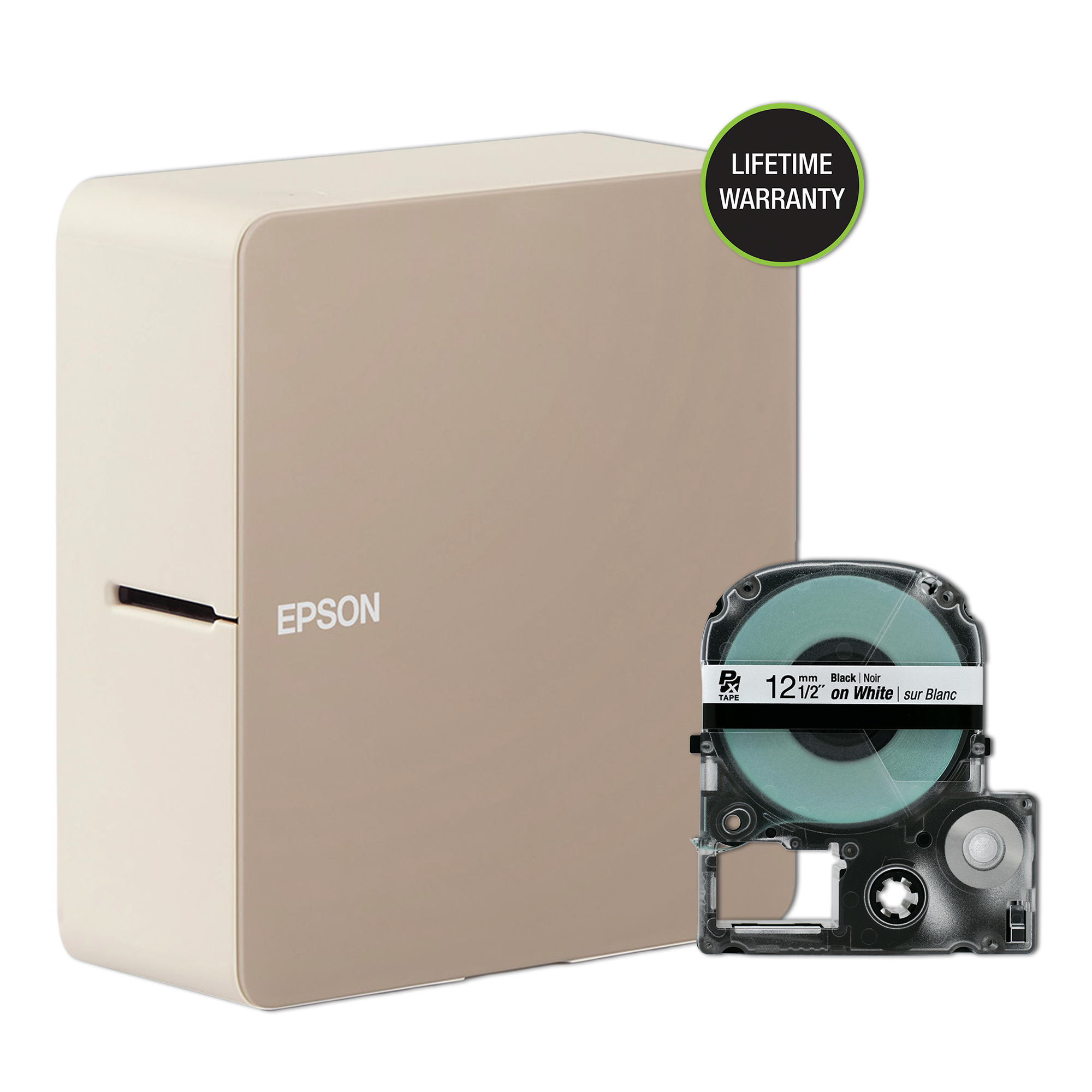
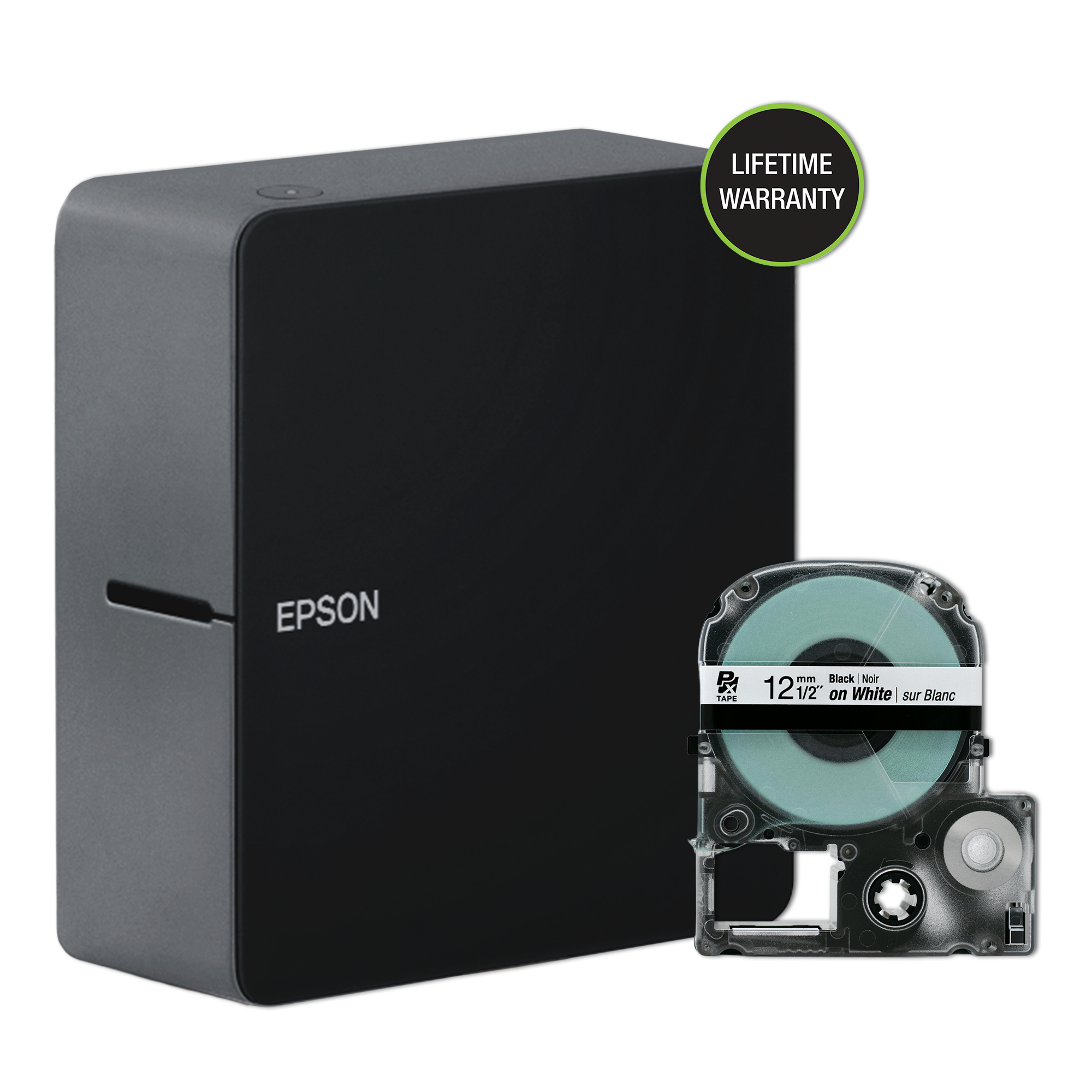
Epson LABELWORKS LW-C610PX Premium Portable Wireless Label Maker
The Epson Labelworks LW-C610PX labeler is a simple to use portable labeler. It appears to only connect through Bluetooth. I had no problems getting it connected to my phone and tablet. The Labeler does not come with a power adapter, but one can be purchased from Epson. As shipped it requires 6 AA batteries which are not included. Label cartridges are available up to 1 inch thickness. The printer ships with 1/2-inch cartridge.
You will need to download an app, in my case from the Google play store called Label Editor Mobile. The app is simple to use and for the home user works well. I general prefer to work from a desktop PC for label printing rather than my phone or tablet. Epson has a PC program called Label Editor. It supports a large number of the Epson LW printers including the LW-C410, but does not show support for the LW-C610PX. I am hoping this will change in the future. I did try the PC software with a Bluetooth connect as a LW-C410 labeler and was not successful in getting it to recognize my printer from the PC.
The produced labels are high quality. I did struggle a bit get the label backing to separate from the label. I consider this a solid 4-star product. I would have been more satisfied if included the power adapter and supported PC software.
This is my 2nd label printer, previously I'd ordered an import one that impressed me with all but print quality, but in short: This printer is better in just about every way.
FIRST, to get it out of the way, I was surprised to see that this does not have a rechargeable battery, nor does it come with a (proprietary) charger, so the only way to use this is with 6 AA batteries (not included). The listing says that, but I missed it first time through.
Setup is VERY easy. You connect to it with a small-download-size (12MB!) app, then let it connect via bluetooth. Worked first time.
The app itself has a great number of options, including a bunch of text, a handful of stock-symbols, AND photo printing AND bar code printing ('normal', AND 2-D!). The bar codes allow a couple of formats, and the photo-printing does some strange little dithering effect that is shockingly good looking for what it is.
Configuring the label is pretty easy, though the 'auto-fit' settings and the auto-placement stuff gets lost as soon as you touch anything on a label, which makes getting things 'off the edge' somewhat easy.
Printing goes very easily. This DOES waste a ~1/2" long piece every time it prints, BUT it cuts it on BOTH sides for each print! Unlike other printers, what you get out is exactly the right size. It would be nicer if it didn't have to waste anything though.
Overall, this is a great label printer with the included labels, and the ability to use a whole bunch of different labels is VERY interesting as well!
The only downside I'll state is the 'power' situation. The charging cable is $60 on the Epson website, or I'm forced to burn through AA batteries. I'd love it if it were USBC powered like some others. Otherwise, this is a great little printer that I'm sure I'll use.
Additionally, the lifetime warranty on this is encouraging.
I think this is better suited for professionals than hobbyists. Where this really shines is the ability to get labels for wiring. The normal labels for everyday use are a tad expensive but work really well.
One caution, the labeler has an auto-cut feature. You need to pad your text if you want any spacing on each side of your text. Not really an issue since it saves the amount of label material, but sometimes you want that padding.
One nit on the regular labels: It can be hard to expose the glue. It can take several tries to remove the backing and you will probably need to bend the corner of the label.
One of the things I like about this is the availability for heat-shrink tubing and special purpose labels.
Rarely do I give kudos for the box something comes in, but this one really works to store and transport the printer. I am glad we had the printer in the box when we recently dropped it and nothing broke.
If you do wiring, especially low voltage wiring, you will like using this to label the cables you are installing.
Wishes:
- USB power jack (might not be feasible with its power requirements [6-aa batteries])
- lower priced labels for non-special purpose labels
- WIFI so we could share it more easily and use it from a PC
- Not having to install yet another app on my phone to use it
- having at option to use it like a printer
I give this a thumbs up. The reason I have those wishes would be so we could use it in more situations.
This is not your mother's label maker. It's not one of those cheapie thermal printer label makers with the impossible-to-peel labels. It's not even one of those cheapie thermal printer label makers with the peel-off labels. This thing is a printer (and coming from Epson, that's no surprise). It can print basically everything.... Ribbons, vinyl, shrink tube, everything!
When I was a kid I used to play with those label makers that you had to squeeze each letter onto and it would emboss your letters in a plastic tape. I can't believe how far this industry has come.
I can't wait to try out all the different tape types.
I'm surprised this label maker is underrated, it's far capable compared to the offbrands that are on Amazon. Epson is reputable company known for their printers, it was between this and Dymo. I've used the Dymo before, however this time around I wanted one I can plug-in to an outlet without dealing with batteries, and also forgo the blackberry style keyboard and screen and just connect over bluetooth. Did I also mention this has a lifetime warranty? Plus there's a plethora of cartridges, you can print labels on ribbons or even magnetic strips. I plan to enjoy this for many years to come! Happy labeling!
Excellent service and great products. We are working in avionics and the Epson products are perfect for us…. I recommend Epson.
Jeff S.
The team at Epson helped guide us with our purchase of new industrial label printers. Very helpful and knowledgeable.
Kevin M.
First Class Customer Service. Told them the situation, and... they sent a replacement unit the next day. Awesome.
Gregory P.
I got a phone call making sure I ordered the right tapes for my label maker. In today's market, show another company that cares at that level.
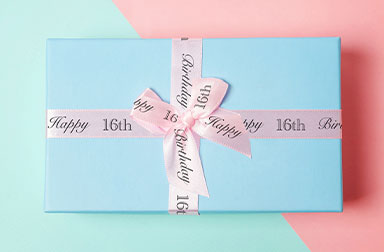
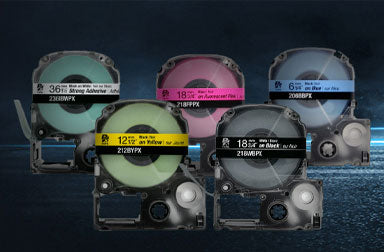
Dozens of Designer Label Varieties
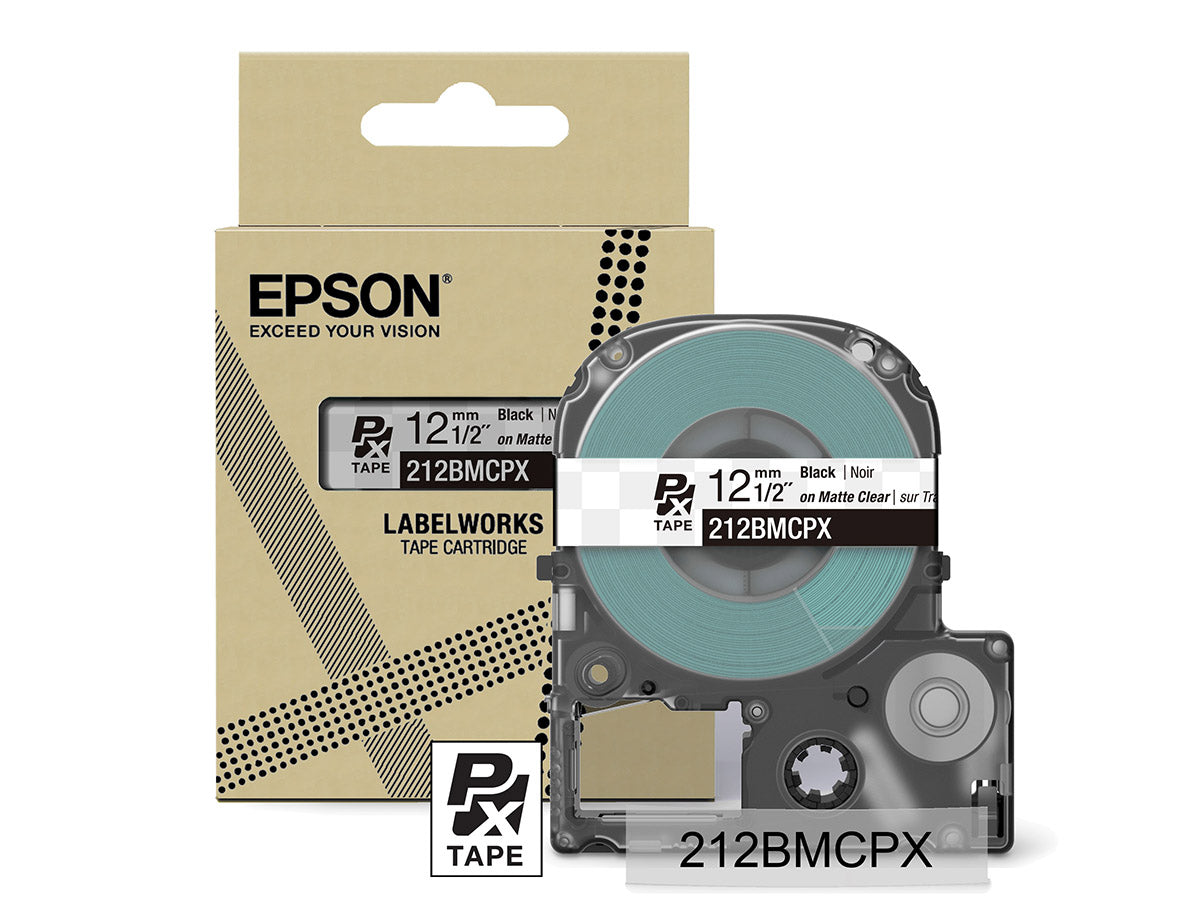
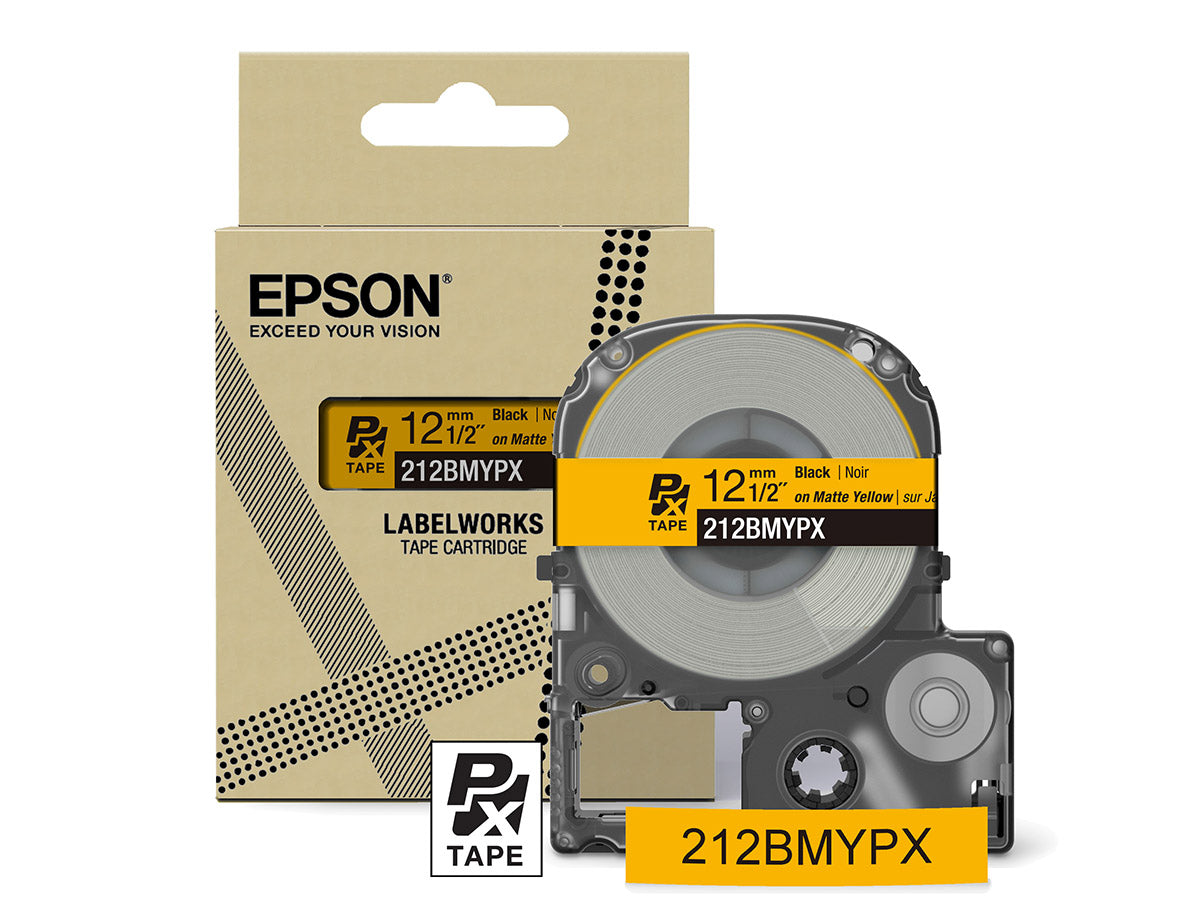
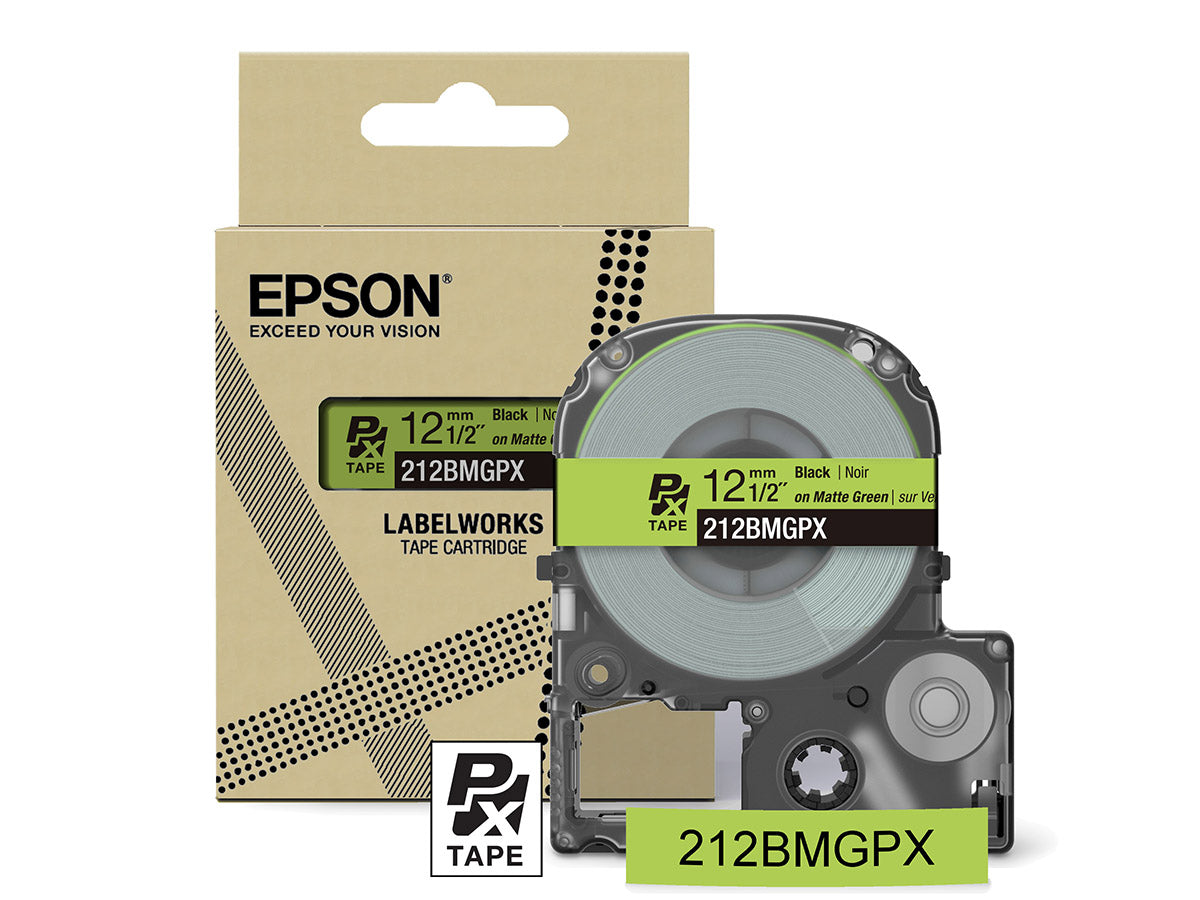
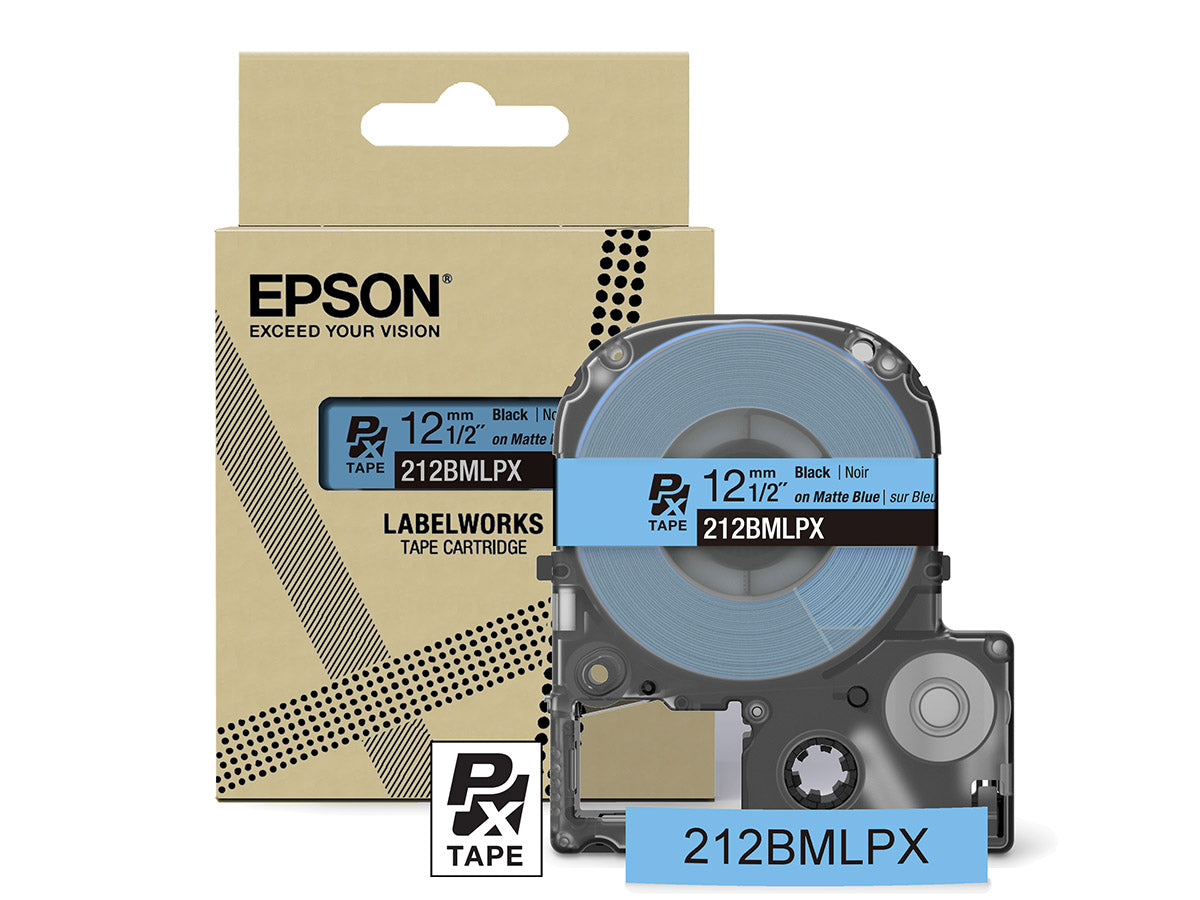
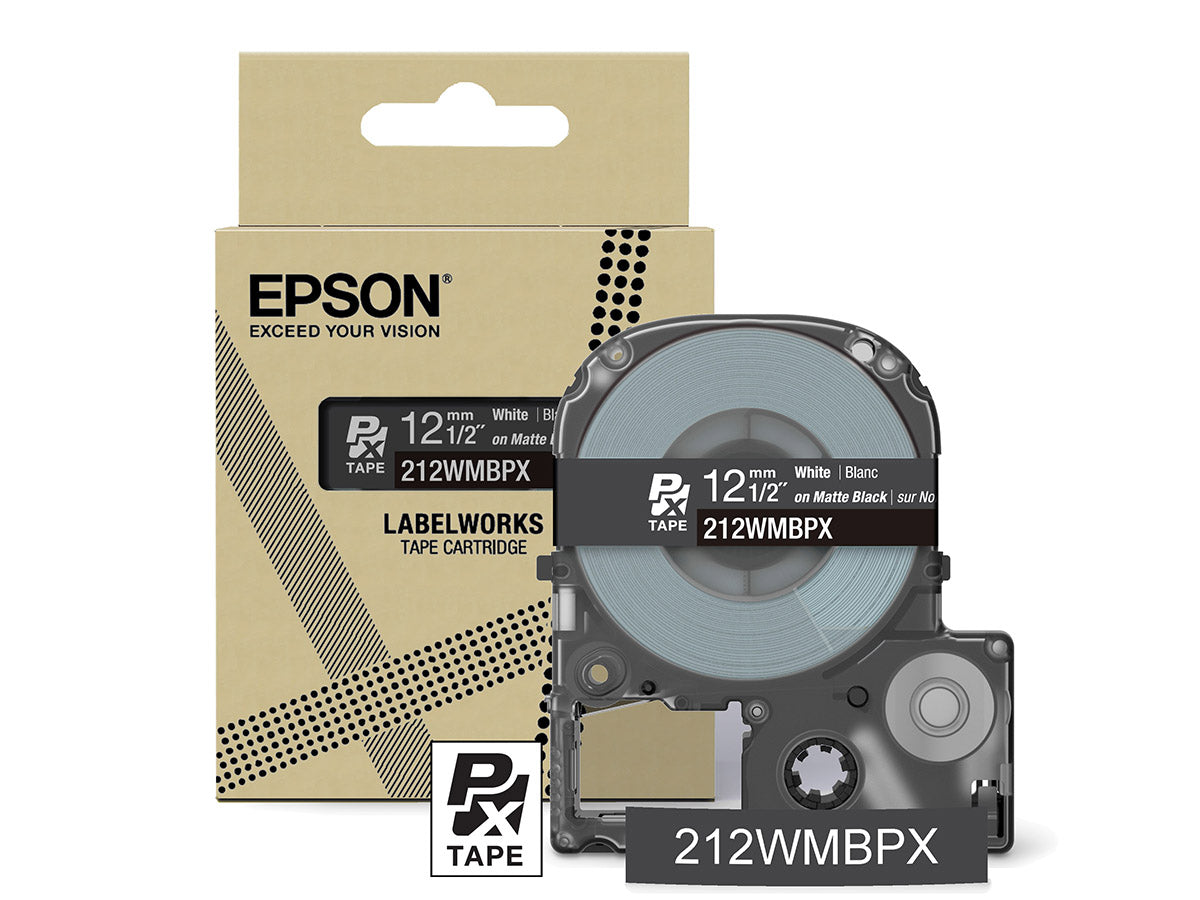
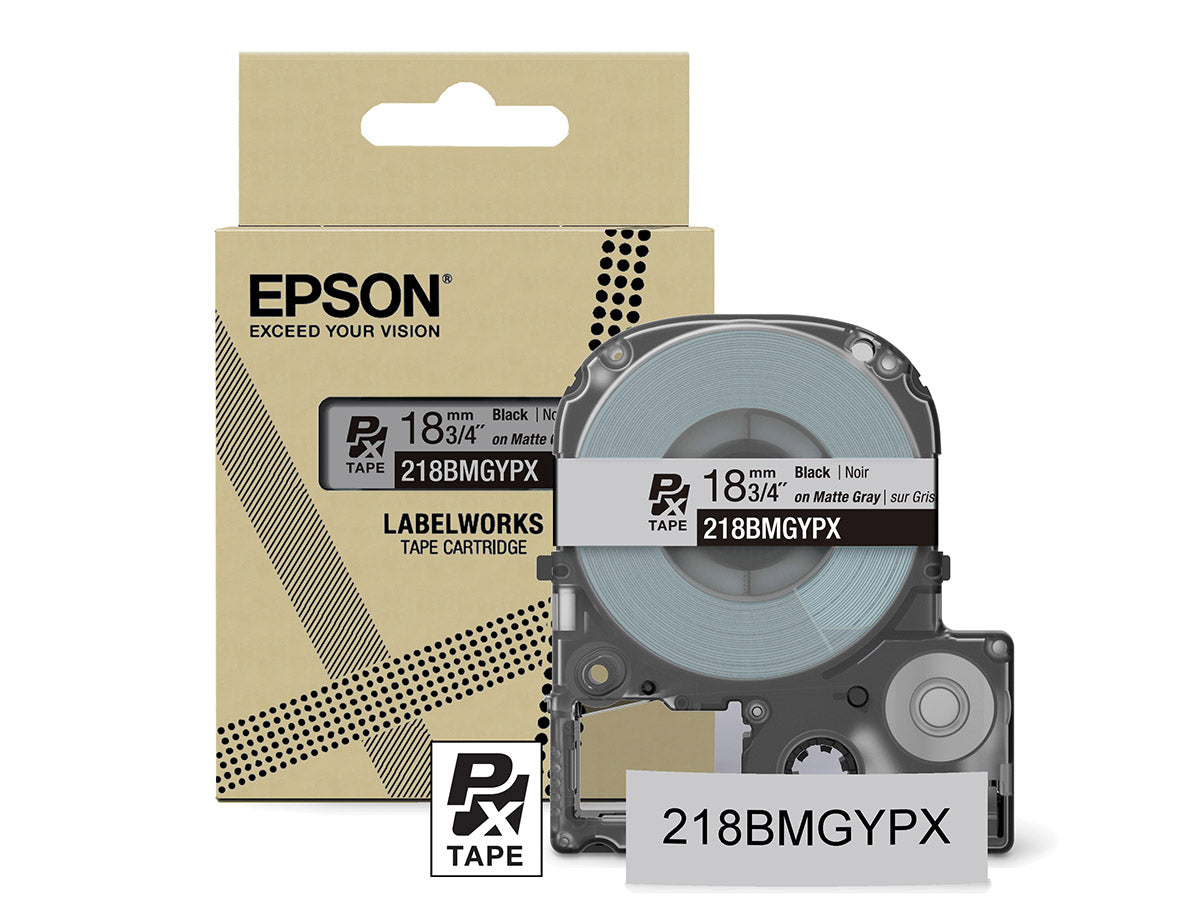
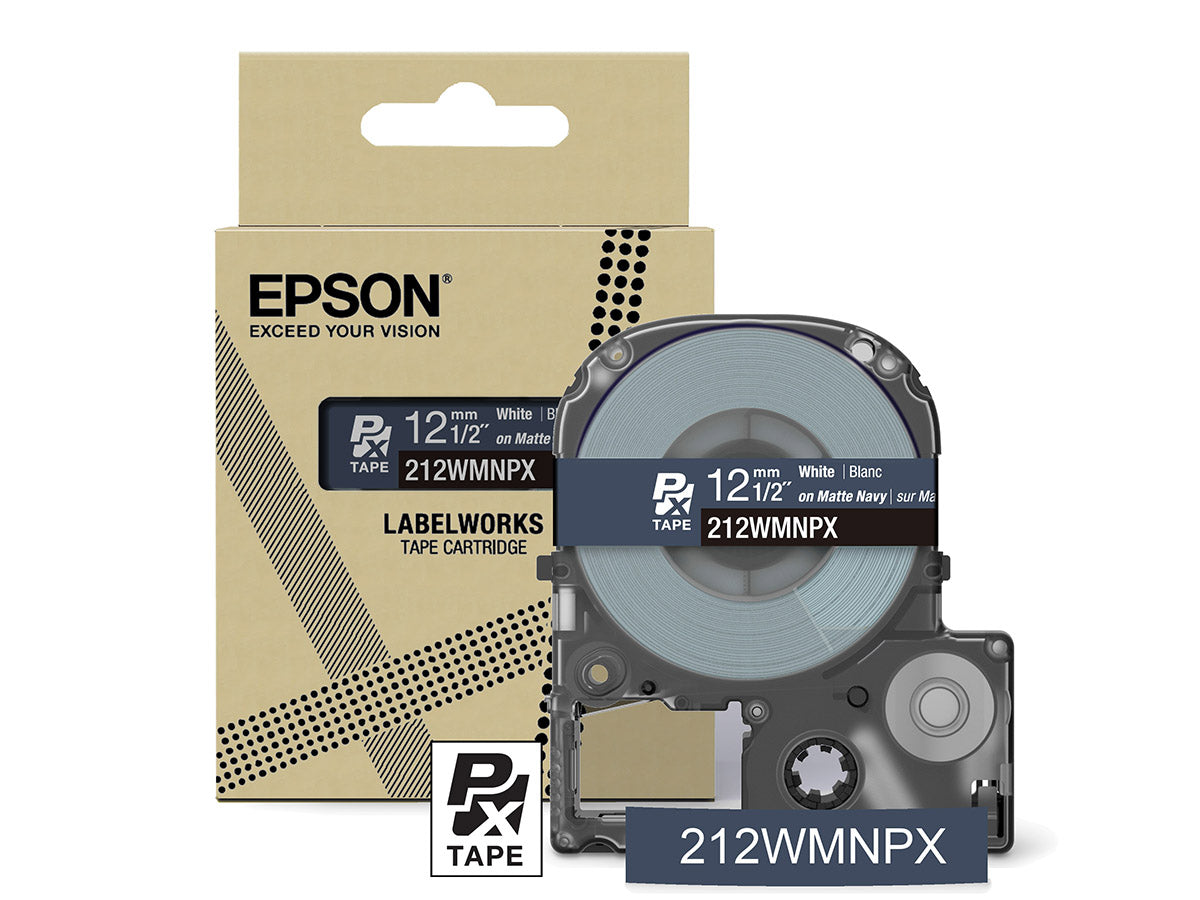
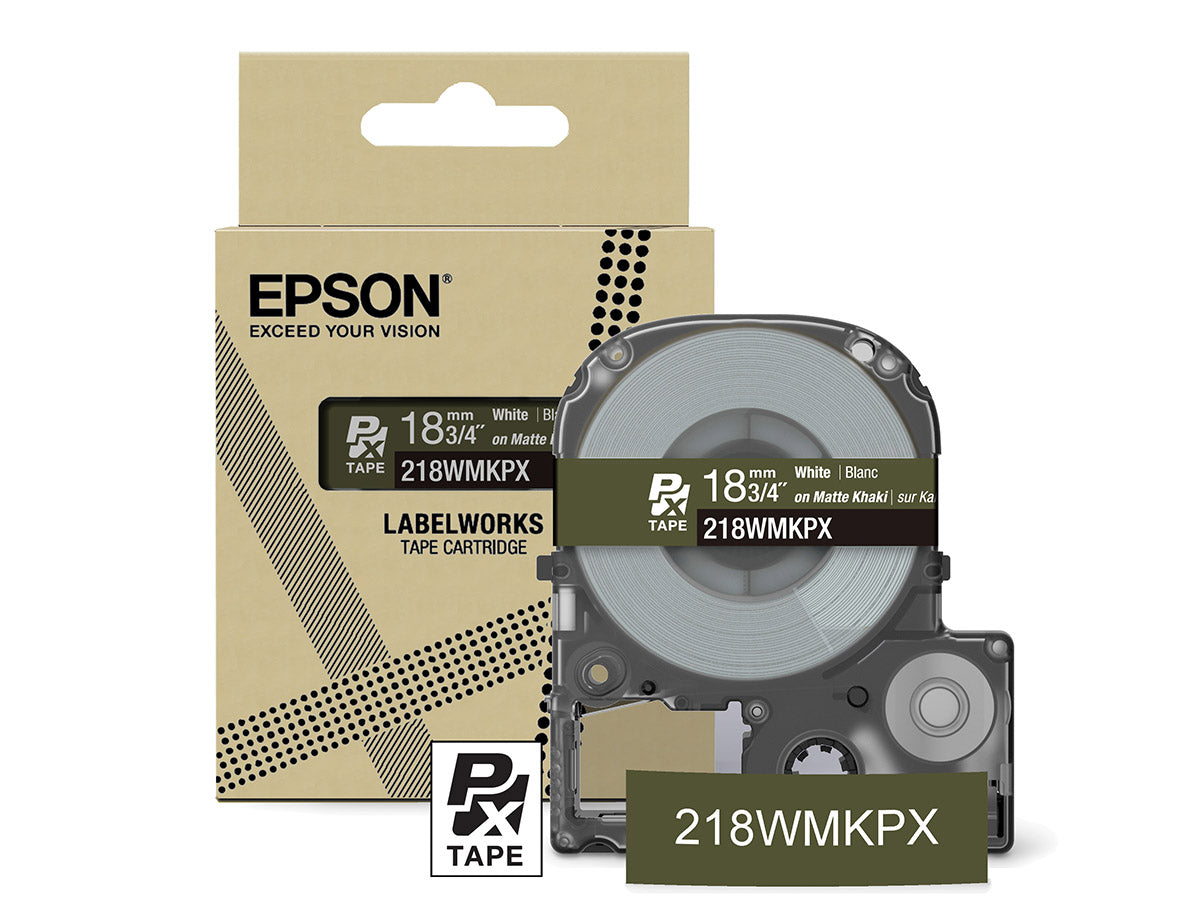
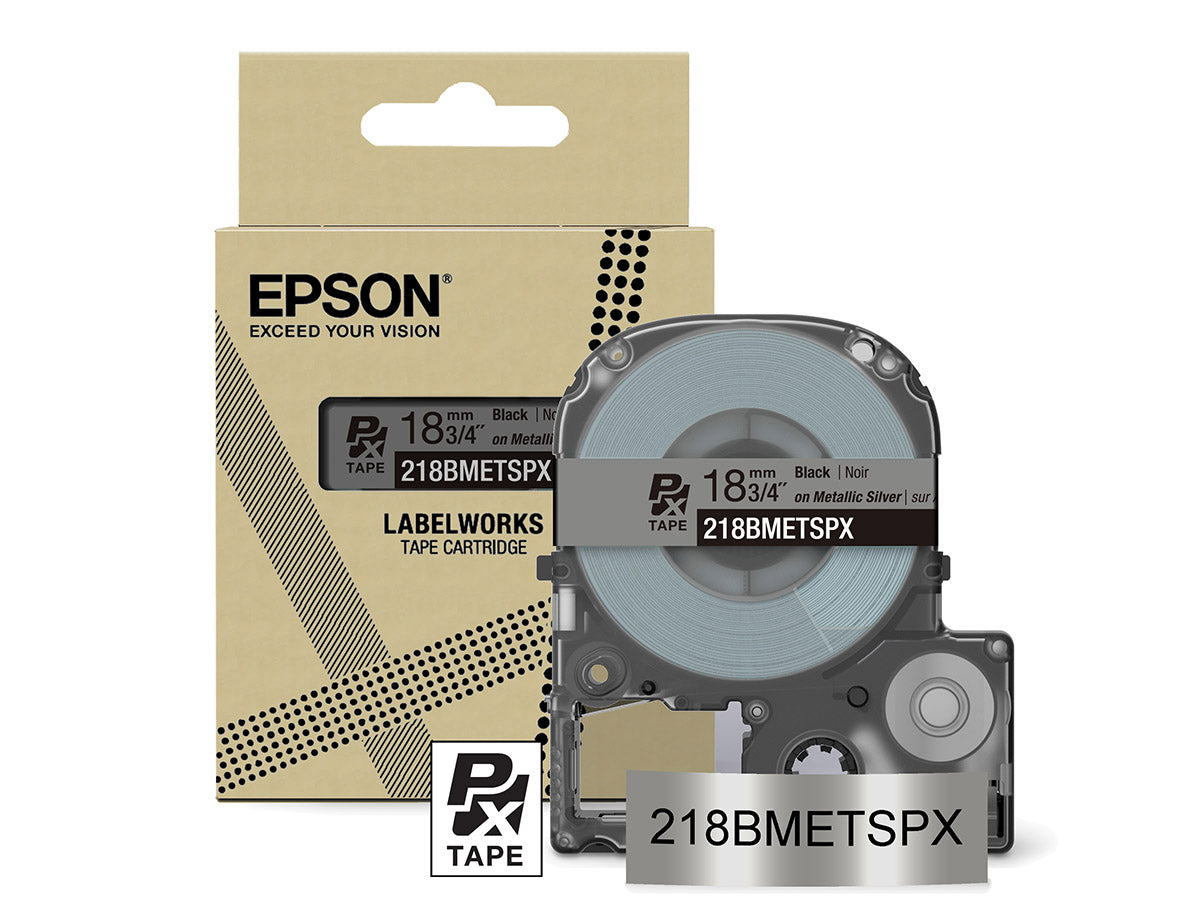
With dozens of label varieties to choose from in the Epson LabelWorks’ Designer Collection, you not only choose the color of the label media, you choose the imprint color as well!
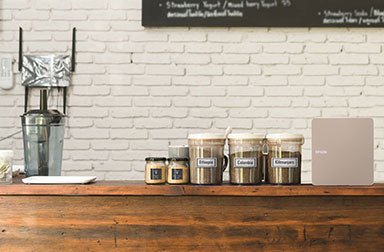
Lightweight, Small Footprint, and Big Printing Power
The LW-C610PX is lightweight and takes up very little space on your workbench, table, or counter while still packing big printing power.
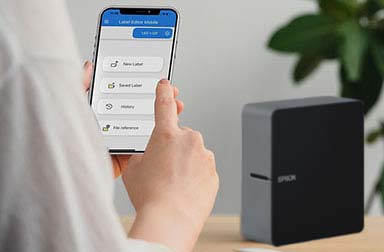
Bluetooth® Connectivity, Mobile App-Enabled
The Epson LabelWorks LW-C610PX is perfect for first-time or experienced labelers seeking the freedom to design and print labels on their mobile device. Use Epson’s free mobile app, Label Editor Mobile, connected to your device via Bluetooth and you’re ready to go!
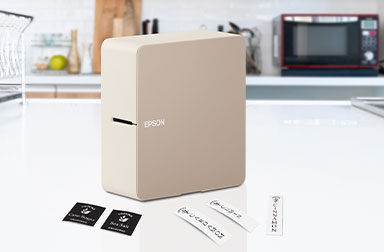
Safely Cut Labels Automatically
The Epson LabelWorks LW-C610PX features a built-in automatic cutter that safely cuts adhesive-backed labels perfectly – exactly where you want your labels cut.
Small Margins Mean Big Savings!
You won’t use excessive label tape with this printer. That’s because this Epson LabelWorks’ home and hobby printer trims the front margin to as little as ½” (10mm), unlike competing models that waste 1” of tape on every label.
A little savings on each label adds up in a big way! (18mm).
Industrial Supplies for More Labeling Options
In addition to Epson LabelWorks’ Designer Collection of home and hobby label media, this printer is compatible with select Epson LabelWorks’ Industrial PX labeling supplies.
Choose from printable heat shrink tube for wire and cable identification, printable magnetic tape perfect for refrigerators or magnetic whiteboards, and many other industrial-strength media options.
Lifetime Warranty
Let’s face it. Life happens. Coffee gets spilled. Dogs chew on stuff. Things fall from shelves. No matter what happens to your Epson LabelWorks printer, you are covered.
Send us the broken printer; we’ll send you a brand new one. Easy-peasy.
Personal Customer Support
Based in the heartland, Epson LabelWorks offers one-to-one support directly from our offices in western Wisconsin.
Contact us by email, phone, or even live chat. We're here to serve you.

Quick comparison table
Specification comparison between products Epson LW-C610PX-BLK Printer, Epson LW-C610PX-BLK Printer with Adapter, Epson LW-C410PX Printer, Epson LW-PX400 Printer